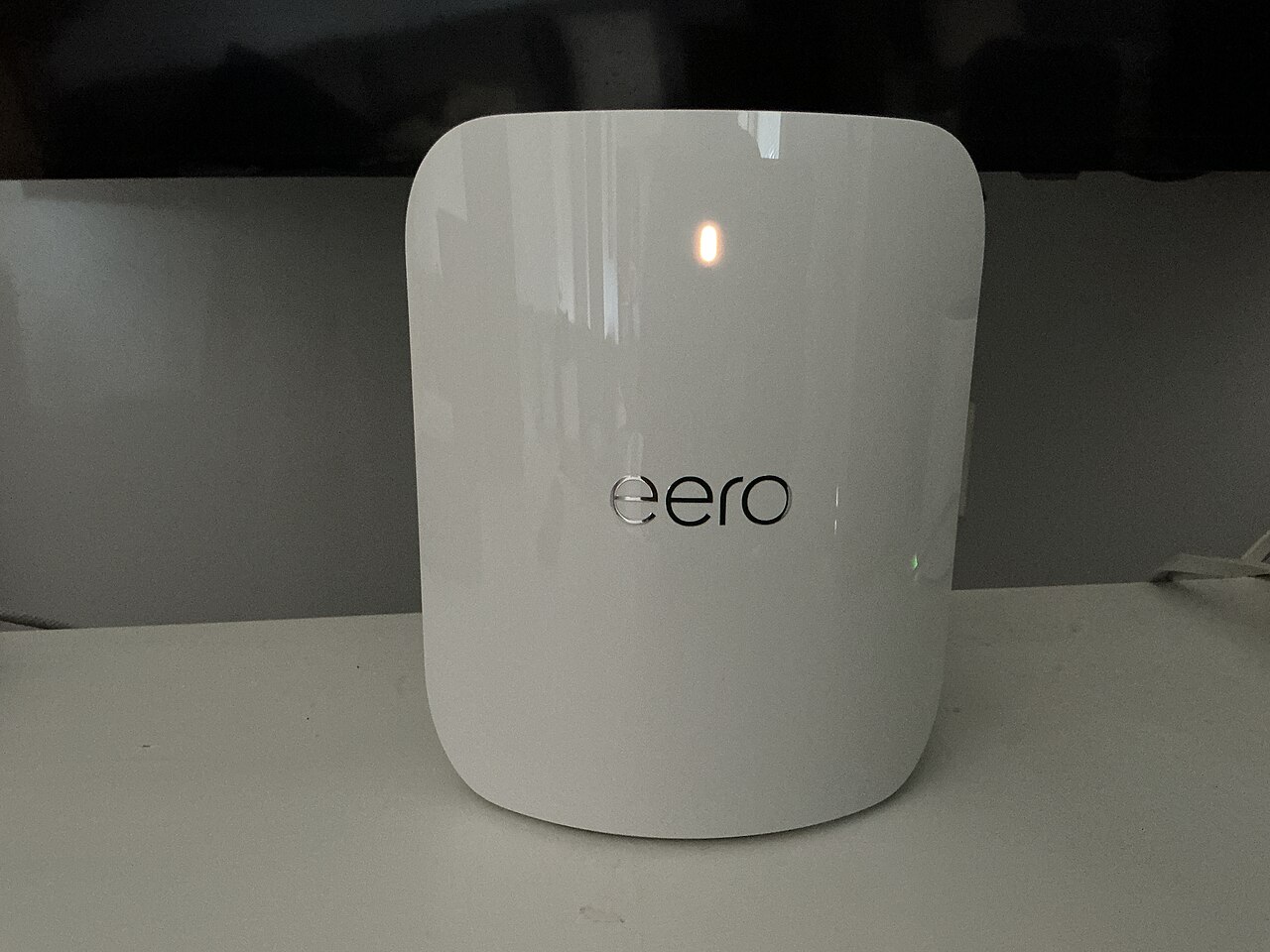
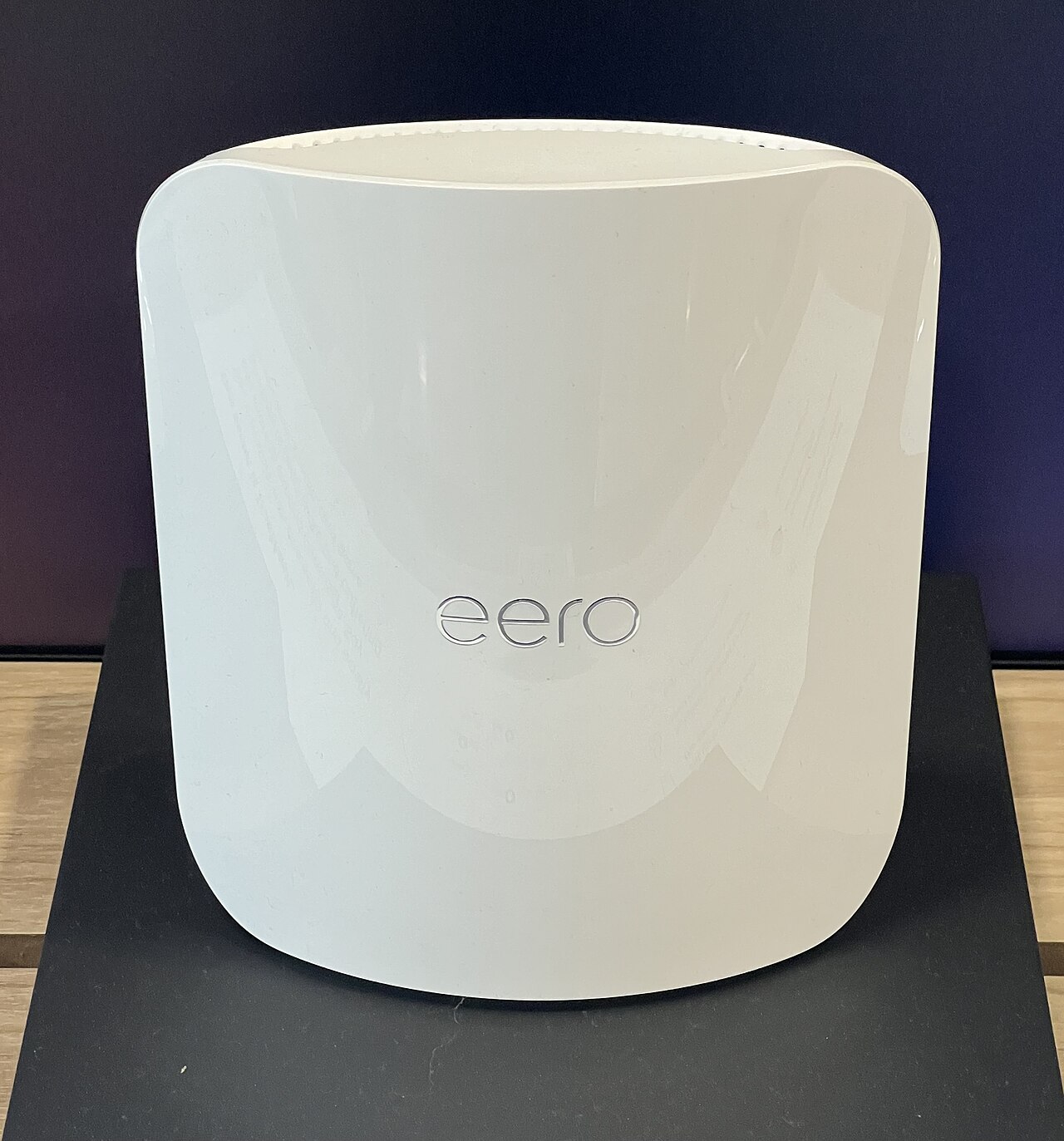
THE DIFFERENCES THAT MATTER
eero 6+ vs Pro 6E: do your devices need the extra band?
Compare the eero 6+ Router with Pro 6E using radio bands, Ethernet ports, and the devices that can use them.
Researched from manufacturer sources. These products have not been hands-on tested for this article.
START HERE
Will 6 GHz-capable devices or a multi-gigabit internet uplink use the extra hardware?
Pro 6E adds a 6 GHz radio band and one faster Ethernet port; 6+ is a dual-band gigabit router. That is a useful hardware distinction, but the benefit depends on the clients, internet service, and home layout. This article compares the eero 6+ Router. The separately listed 6+ Extender cannot replace a gateway router.
eero 6+ Router (US; not Extender)
A good fit if: A shortlist option for a gigabit-or-slower plan when multi-gigabit Ethernet and 6 GHz are not requirements.
The tradeoff: Both Ethernet ports are gigabit, and the similarly named Extender cannot serve as your gateway.
eero Pro 6E (US)
A good fit if: A shortlist option for 6 GHz-capable clients when one multi-gigabit Ethernet port is sufficient.
The tradeoff: A 2.5 GbE internet uplink leaves a 1 GbE port for a directly attached wired device.
As an Amazon Associate I earn from qualifying purchases. How shopping links work.
eero 6+ Router
View this model on Amazon : eero 6+ Router (US; not Extender) (opens in a new tab)Check the seller, exact variant, price and included accessories.eero Pro 6E
View this model on Amazon : eero Pro 6E (US) (opens in a new tab)Check the seller, exact variant, price and included accessories.See the product photos and comparison illustration
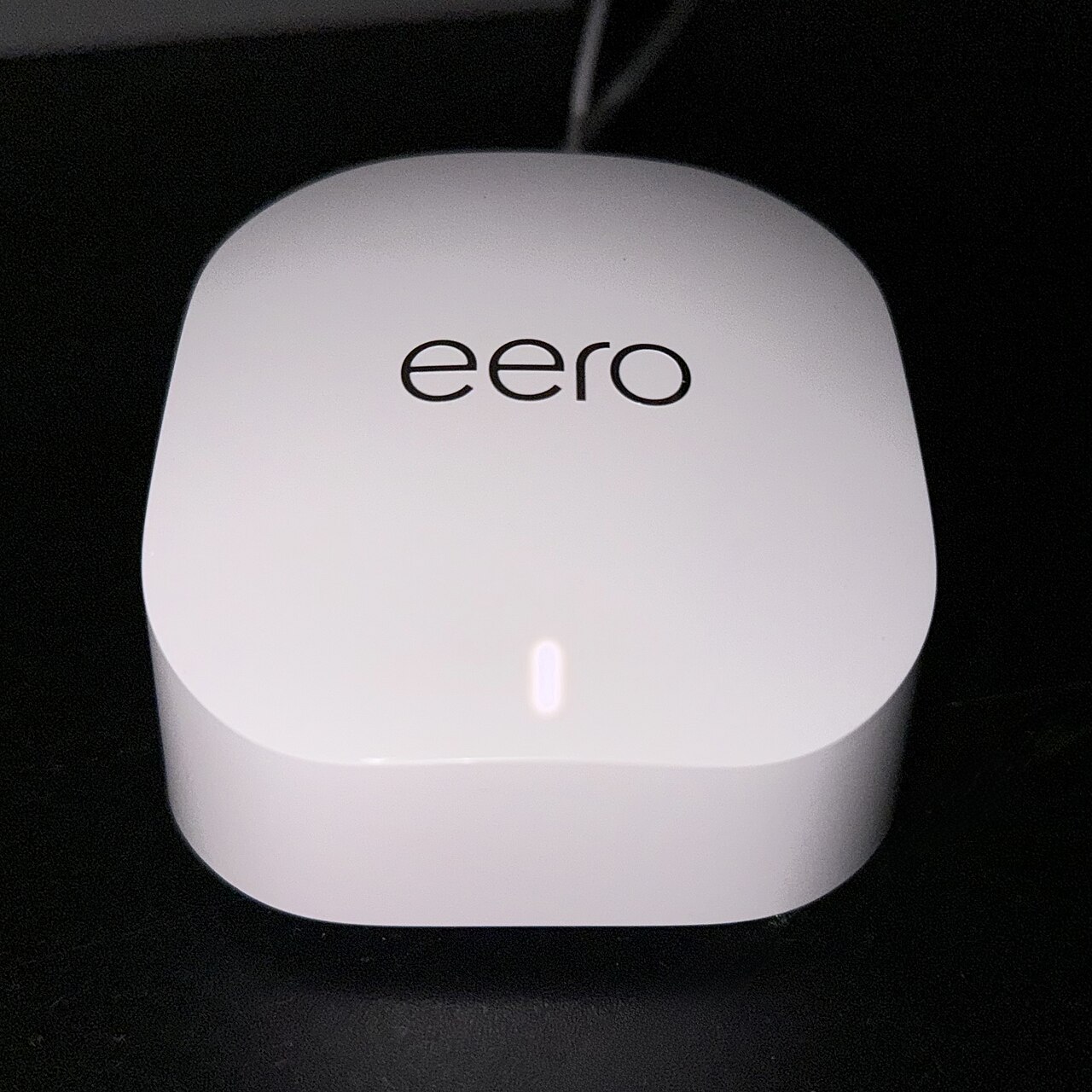
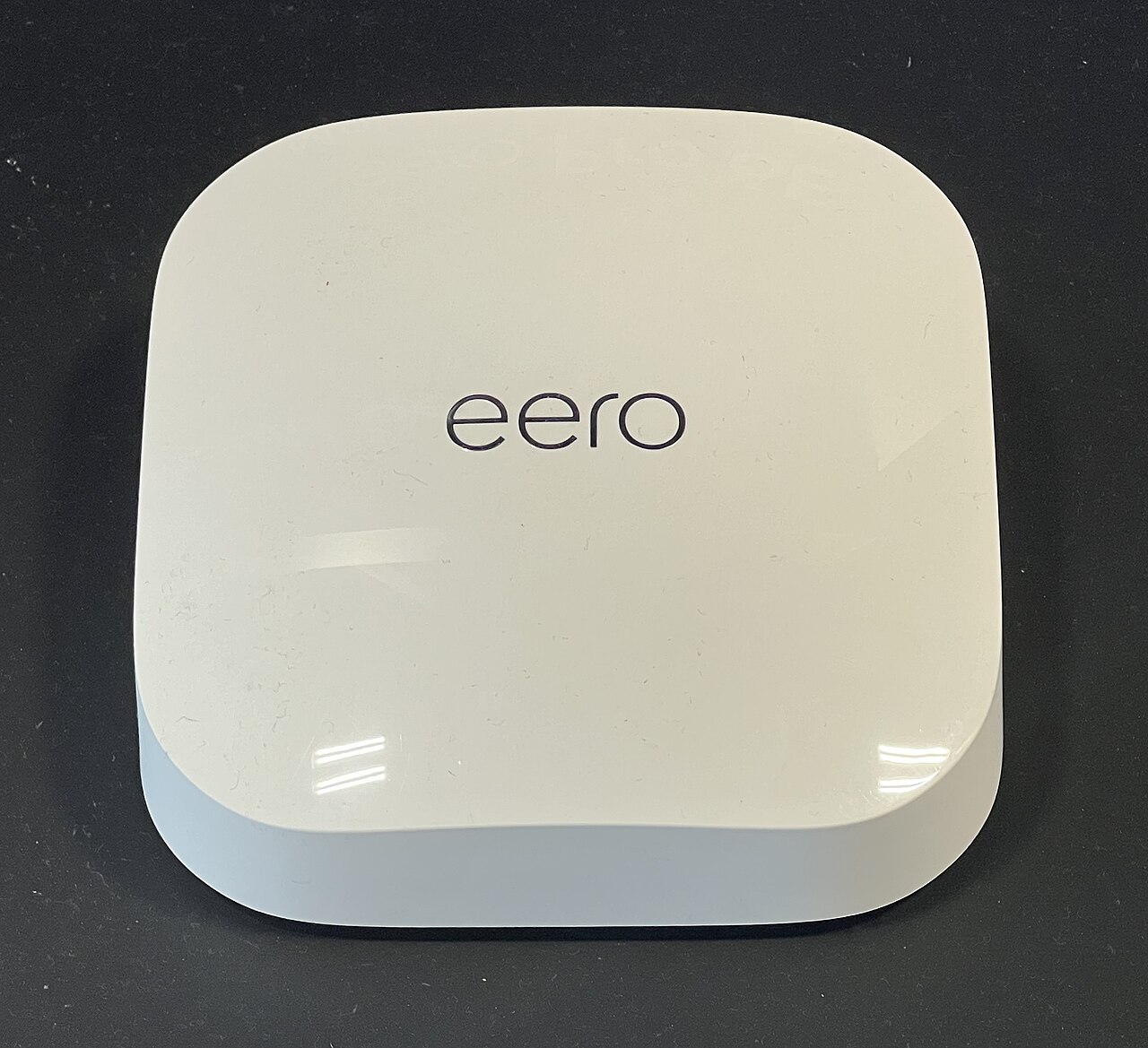
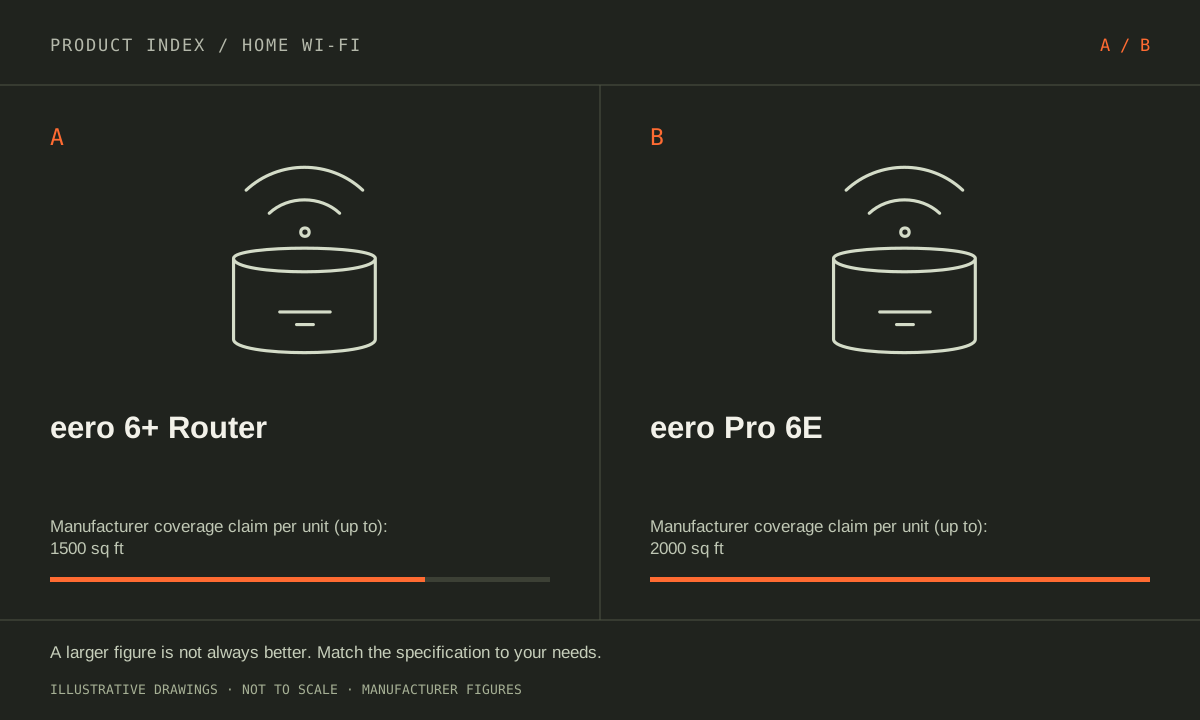
The facts, side by side.
Manufacturer specifications for the named models. On small screens, scroll the table sideways. A blank research field means the fact was not included here, not that the manufacturer does not publish it. Conditions and differently scoped specifications are kept separate.
| What matters | eero 6+ Router [1] | eero Pro 6E [2] |
|---|---|---|
| Wi-Fi generation | Wi-Fi 6 (802.11ax) | Wi-Fi 6E (802.11ax with 6 GHz) |
| Radio bands | Dual-band: 2.4 and 5 GHz | Tri-band: 2.4, 5 and 6 GHz |
| Ethernet ports | 2 × 1 GbE | 1 × 2.5 GbE; 1 × 1 GbE |
| Maximum channel width | 160 MHz | 160 MHz |
| Manufacturer coverage claim | Up to 1,500 sq ft per router; conditions apply | Up to 2,000 sq ft per unit; conditions apply |
| Role | Gateway router or mesh access point | Gateway router or mesh access point |
Listed maximums are manufacturer claims under their stated conditions, not results from our own testing. Regional versions and bundles can differ. No live prices or stock claims are shown.
The new band needs compatible clients and a placement plan
eero 6+ uses 2.4 and 5 GHz; Pro 6E adds 6 GHz. A compatible client is needed for a direct 6 GHz connection. A device that only supports older bands does not gain a new radio simply because the gateway is newer, so begin with the phones and computers you actually own.
Check the wireless specification of the devices used for demanding tasks, then mark where those devices are normally used. A desk beside the gateway is a different situation from a bedroom behind several walls. For a mesh installation, consider where nodes can be placed and how they connect back to the gateway. Do not turn the extra band into a promise of better performance in every room. The useful question is whether your client and placement plan can use it, and whether it addresses a problem you are experiencing rather than a capability you might never need.
Manufacturer references: eero 6+ Router · eero Pro 6E
Count Ethernet ports after connecting the internet
6+ Router has two 1 GbE ports. Pro 6E has one 2.5 GbE and one 1 GbE port. If the 2.5 GbE port connects Pro 6E to your internet equipment, the remaining built-in port for a directly connected wired device is gigabit. That matters for buyers expecting a multi-gigabit wired route through both sides of the router.
Draw a simple path from internet handoff to router to computer or switch, labeling the required speed at each connection. A fast internet service does not override a slower port in that path. Also account for any port used to connect another mesh node. This check can prevent paying for a larger plan that your intended wired arrangement cannot fully use. If your internet plan and important wired devices are at or below gigabit, the 6+ port arrangement may cover the job. If multi-gigabit wired connectivity is a firm requirement, look at the complete port layout before choosing either.
Manufacturer references: eero 6+ Router · eero Pro 6E
Coverage figures are planning claims, not a floor-plan verdict
eero’s published coverage allowances are up to 1,500 sq ft per 6+ router and 2,000 sq ft per Pro 6E unit. Those maxima are manufacturer claims with placement and building conditions attached. They cannot tell us which unit reaches a particular upstairs office or how well a wireless mesh connection works through your walls.
Identify the rooms that matter, possible node locations, and any existing Ethernet runs. Compare equivalent packs: a router-only listing, a mixed router/extender kit, and a pack of gateway-capable units are different purchases. Leave room in the plan to change placement after installation. I would start with 6+ Router when a gigabit-oriented plan and existing devices do not call for 6 GHz. I would investigate Pro 6E when compatible clients or the faster uplink answer a named need. Neither earns a guaranteed speed or coverage win from the square-foot number alone.
Manufacturer references: eero 6+ Router · eero Pro 6E
A CLOSER LOOK AT OWNERSHIP
Beyond the specification sheet.
Additional model-specific document research checked October 20, 2026. The original comparison’s specification check date remains shown above.
Both choices require an app-led setup
eero’s setup instructions require a mobile device running the eero app, an internet connection and an Ethernet-capable gateway. The current guide lists iOS 15 or Android 9 as minimum versions. A 6+ or Pro 6E purchase should therefore include checking the phone or tablet that will administer it.
If mobile data is unavailable during the router change, eero documents an initial setup through the existing router and Wi-Fi connection. That is worth planning before unplugging the network. Someone who specifically needs an independently administered, browser-only router should investigate a different product rather than assuming the more expensive eero changes this workflow.
Sources: eero setup requirements, node placement and wired backhaul (opens in a new tab) · eero setup without a mobile data connection (opens in a new tab)
Separate the router purchase from optional recurring services
eero states that security updates do not require eero Plus. Plus is a separate subscription; its management guidance explains that an accepted trial converts to a recurring plan and renews until canceled. Neither a Pro label nor a larger hardware pack means all optional services are included permanently.
The current Plus feature list includes content filters, app blocking, historical usage, DNS-level ad blocking and Hotspot Backup. Those are useful concrete reasons to price the optional plan; ordinary security updates remain available without it. eero also says Plus protection does not cover guest-network devices. Someone buying parental filtering for a child using the guest network therefore needs a different configuration, not merely a Pro 6E hardware upgrade. Check the purchase channel for renewal and cancellation rules.
Sources: eero Plus — included security updates and subscription scope (opens in a new tab) · eero Plus signup, renewal and cancellation (opens in a new tab)
Keeping another router can remove the features you wanted
Putting the eeros themselves in bridge mode preserves their Wi-Fi role but removes routing controls and several app features. eero’s feature-loss page lists profiles, device blocking, IP reservations and port forwarding among the restrictions. Its support pages agree that important security/filtering features are restricted, although their lists of surviving Plus services differ.
This is a configuration decision for both 6+ and Pro 6E, not a reason to assume the Pro solves it. Confirm the particular paid feature with eero before subscribing on a bridged network. Ask the ISP whether its own gateway can instead be bridged while eero handles routing, including any effects on provider-specific services.
Sources: eero bridge mode feature restrictions (opens in a new tab) · eero bridge mode — network topology and available services (opens in a new tab)
A switch belongs after the gateway in the documented layout
eero’s modem/router instructions place an Ethernet switch downstream of the gateway eero, not between the modem and gateway. Its setup guide supports Ethernet backhaul on Ethernet-equipped nodes. That means existing wall cabling can be useful, provided the topology and available ports match the plan.
Draw every connection before comparing pack prices: modem or ONT, gateway, switch, remote node and wired devices. Include the switch and cables in the budget if needed. Buying extra wireless nodes without a placement or backhaul plan can spend more without resolving the room that matters; we have not measured coverage in your building.
Sources: eero modem/router bridge setup and switch placement (opens in a new tab) · eero setup requirements, node placement and wired backhaul (opens in a new tab)
THE REST OF THE BUYING DECISION
Think beyond the upgrade.
A good home network delivers dependable service where people use it. The largest advertised speed or a newer Wi-Fi generation is not automatically the solution to a slow bedroom, unreliable call, or busy household. Start by identifying where the problem occurs, then compare coverage, wired connections, client support, configuration, and ownership costs. This is a documented buying framework, not a claim that we measured these routers in your home.
The home wi-fi field guide covers the broader ownership questions, with source-specific examples. It complements this exact-model comparison; its examples do not establish features or policies for every model here.
MAKE IT YOUR DECISION
Your before-you-buy checklist.
Use this as a final check, alongside the model-specific evidence above.
Check off the questions you have resolved. Nothing is sent to a server.
Before you place the order.
- Match the full model name and generation. A similarly named bundle may have different accessories.
- Confirm the total price, seller, warranty eligibility, delivery estimate, and return terms at checkout.
- Account for any accessories or compatible equipment your setup needs. An upgrade only has value if you will use it.
Your product questions, answered.
Is the eero 6+ Extender the same as the Router?
No. The Router has Ethernet ports and can connect to the modem as a gateway. The separately named Extender has no Ethernet ports and needs an existing eero network.
Does Pro 6E have two multi-gigabit ports?
No. Its published ports are one 2.5 GbE and one 1 GbE. Count the port used by the internet handoff before planning wired clients.
Do I have to pay for eero Plus to receive security updates?
No. eero says its security updates continue without Plus. Optional subscription features and their terms are separate from that update commitment.
Sources: eero Plus — included security updates and subscription scope (opens in a new tab)
Can I set up either router without mobile phone reception?
eero documents using your existing router and Wi-Fi for the initial setup, then changing the gateway connection afterward. You still need the supported app device and an available internet connection.
Sources: eero setup without a mobile data connection (opens in a new tab)
Will bridge mode keep every parental-control feature?
No. The feature-loss guide lists profiles and device blocking among the losses, and filtering features are restricted. Confirm the exact feature before deciding on a bridged setup or paying for Plus.
Sources: eero bridge mode feature restrictions (opens in a new tab)
Where should an Ethernet switch go?
In eero’s documented modem arrangement, connect modem to gateway eero, then the switch to the gateway’s remaining Ethernet port. Do not insert the switch between modem and gateway.
Sources: eero modem/router bridge setup and switch placement (opens in a new tab)
Sources & limitations.
Original comparison research: October 18, 2026. Individual product-source checks and ownership additions carry their own dates. These links identify the manufacturer evidence used for the specifications. Recommendations and practical implications are our editorial judgments. We have not measured performance, reliability, comfort, or long-term ownership for this comparison.
- eero 6+ Router (US; not Extender) — manufacturer specifications (opens in a new tab)
Checked October 18, 2026. - eero Pro 6E (US) — manufacturer specifications (opens in a new tab)
eero — model differences and per-unit coverage (opens in a new tab)
Checked October 18, 2026.
Confirm current specifications for your region and exact bundle. Read our research and correction approach.