THE DIFFERENCES THAT MATTER
eero 6+ vs Max 7: how much network do you actually need?
A dual-band gigabit router and a Wi-Fi 7 multi-gigabit model target different setups. Map your service, clients, and rooms before upgrading.
Researched from manufacturer sources. These products have not been hands-on tested for this article.
START HERE
Do you have a specific need beyond gigabit ports and Wi-Fi 6?
This is a large hardware jump, so it deserves a concrete reason. The 6+ Router is built around gigabit Ethernet and dual-band Wi-Fi 6. Max 7 adds multi-gigabit ports and a newer radio generation. I would decide whether the bottleneck is a port, a client connection, the internet plan, or simply where the existing router sits before buying either.
eero 6+ Router (US; not Extender)
A good fit if: A shortlist option for a gigabit-or-slower plan when multi-gigabit Ethernet and 6 GHz are not requirements.
The tradeoff: Both Ethernet ports are gigabit, and the similarly named Extender cannot serve as your gateway.
eero Max 7 (US)
A good fit if: A shortlist option for buyers building a multi-gigabit wired network or using compatible Wi-Fi 7 clients.
The tradeoff: Older clients and slower internet plans cannot use all of its connection headroom.
As an Amazon Associate I earn from qualifying purchases. How shopping links work.
eero 6+ Router
View this model on Amazon : eero 6+ Router (US; not Extender) (opens in a new tab)Check the seller, exact variant, price and included accessories.eero Max 7
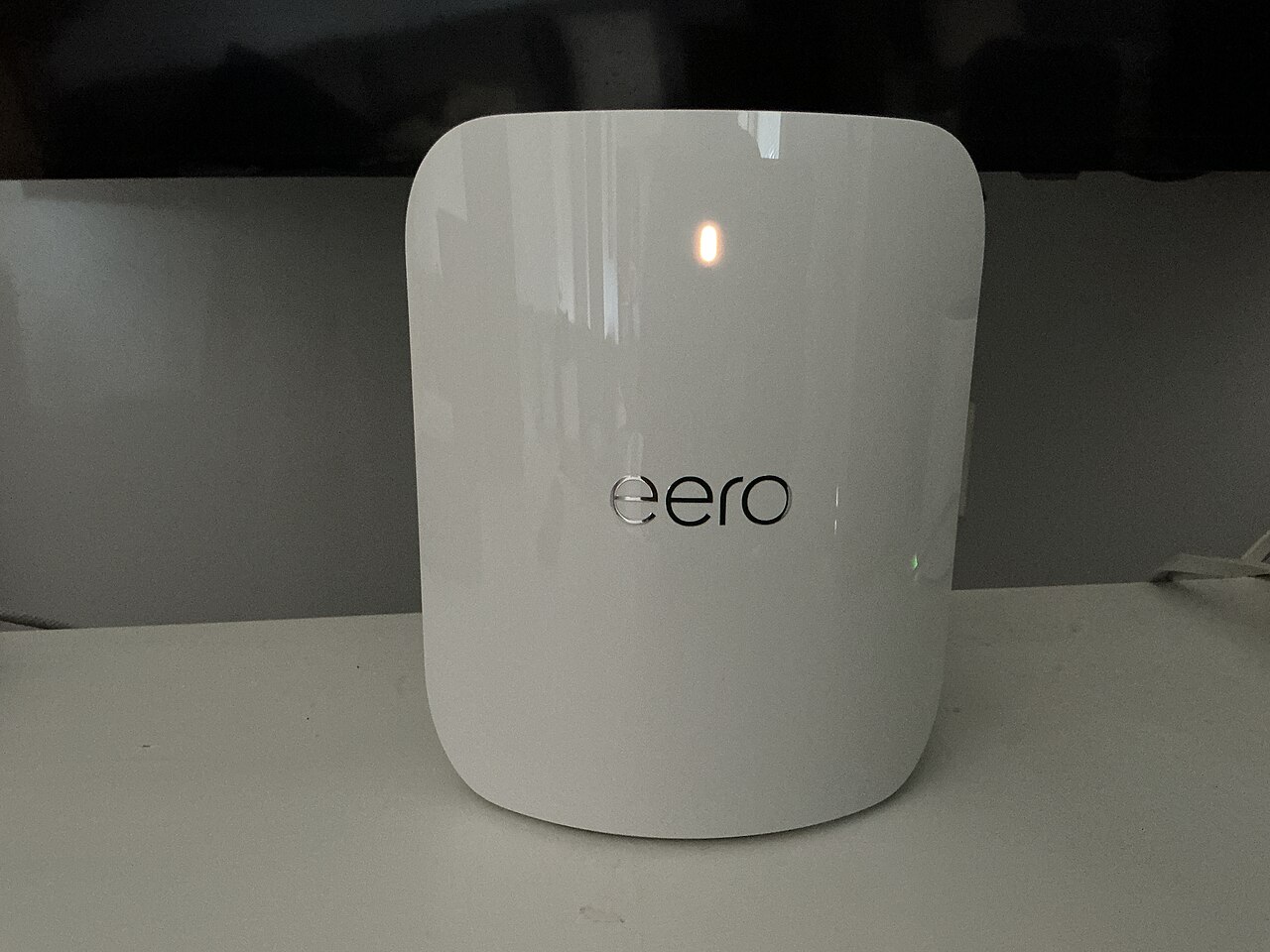
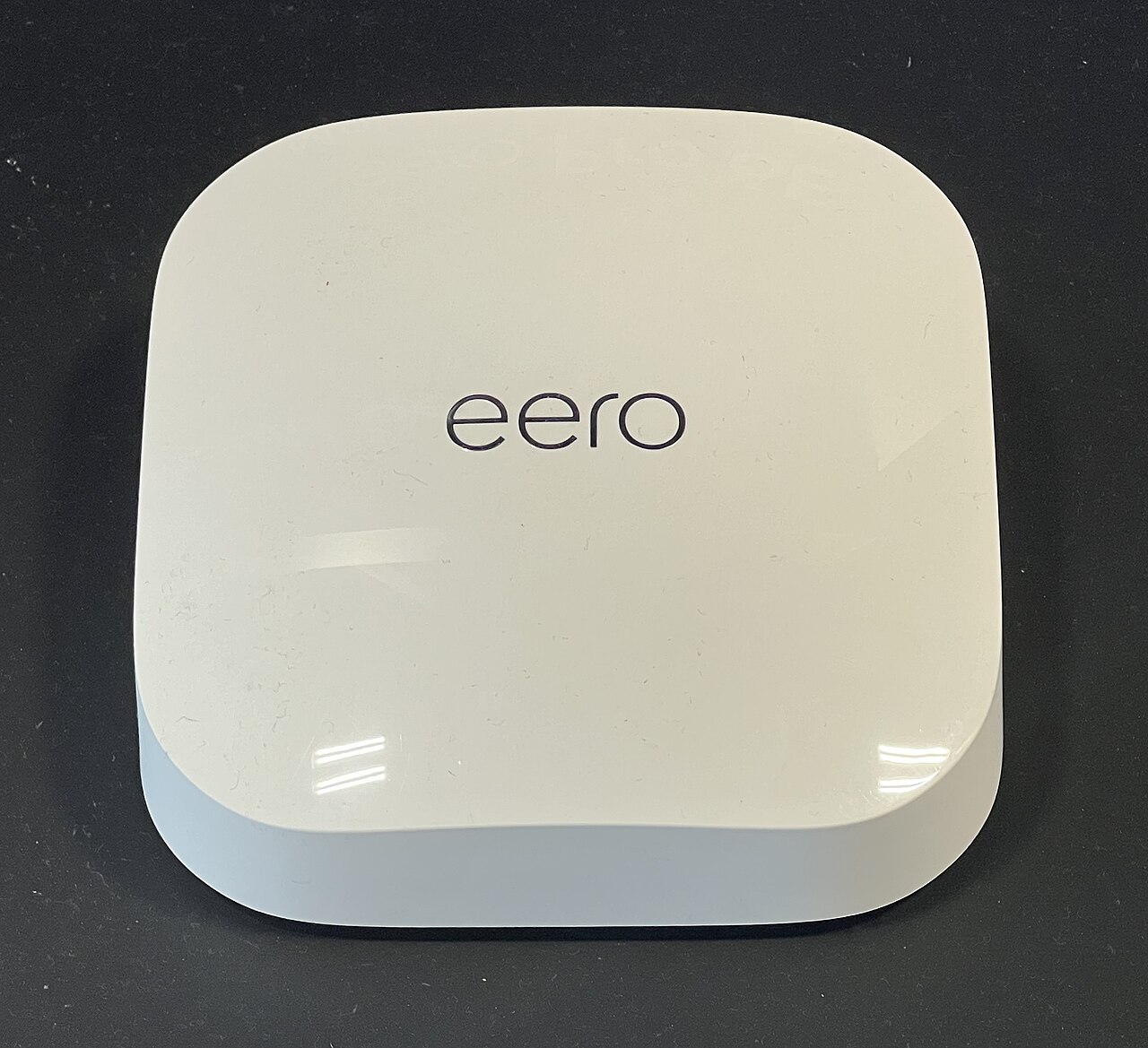
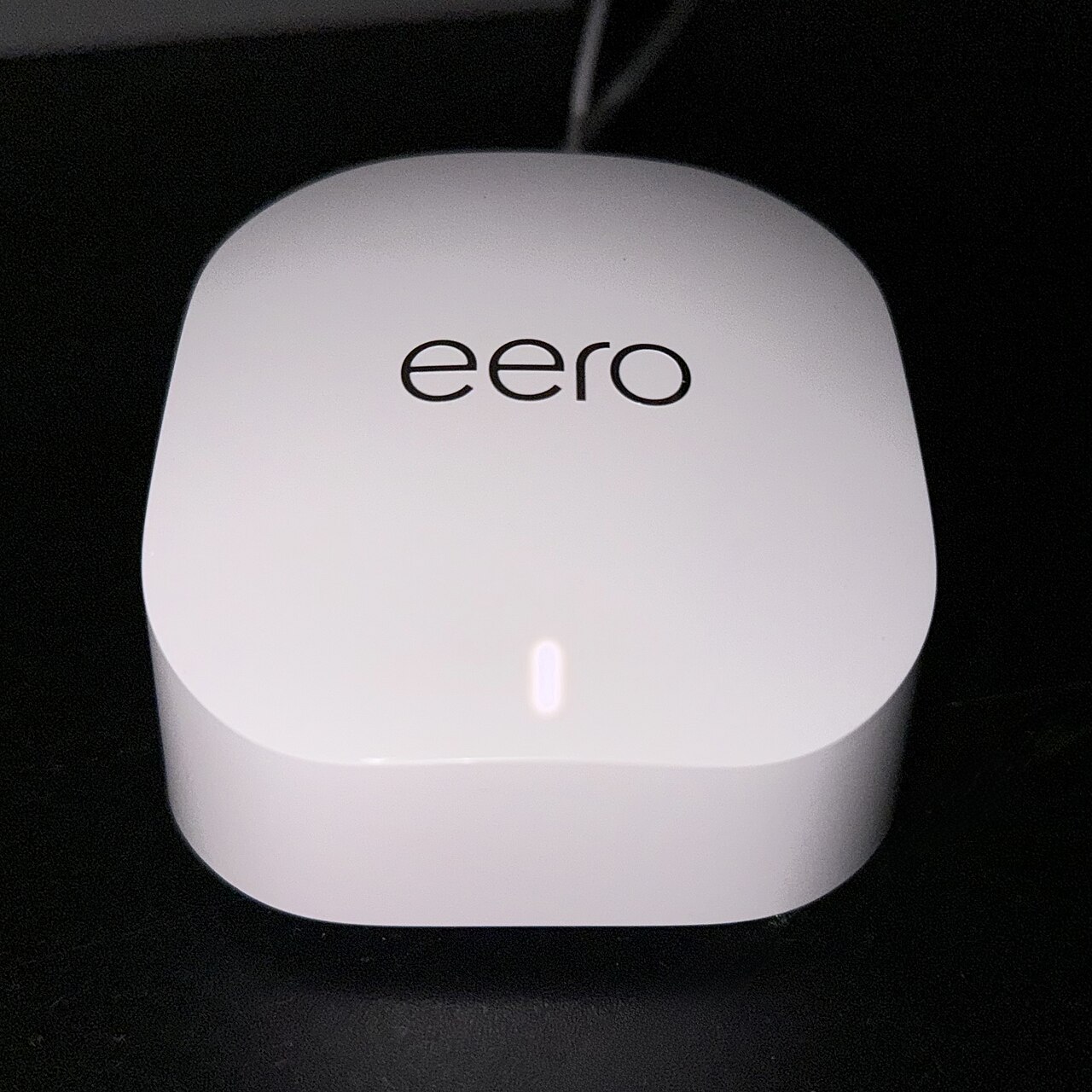
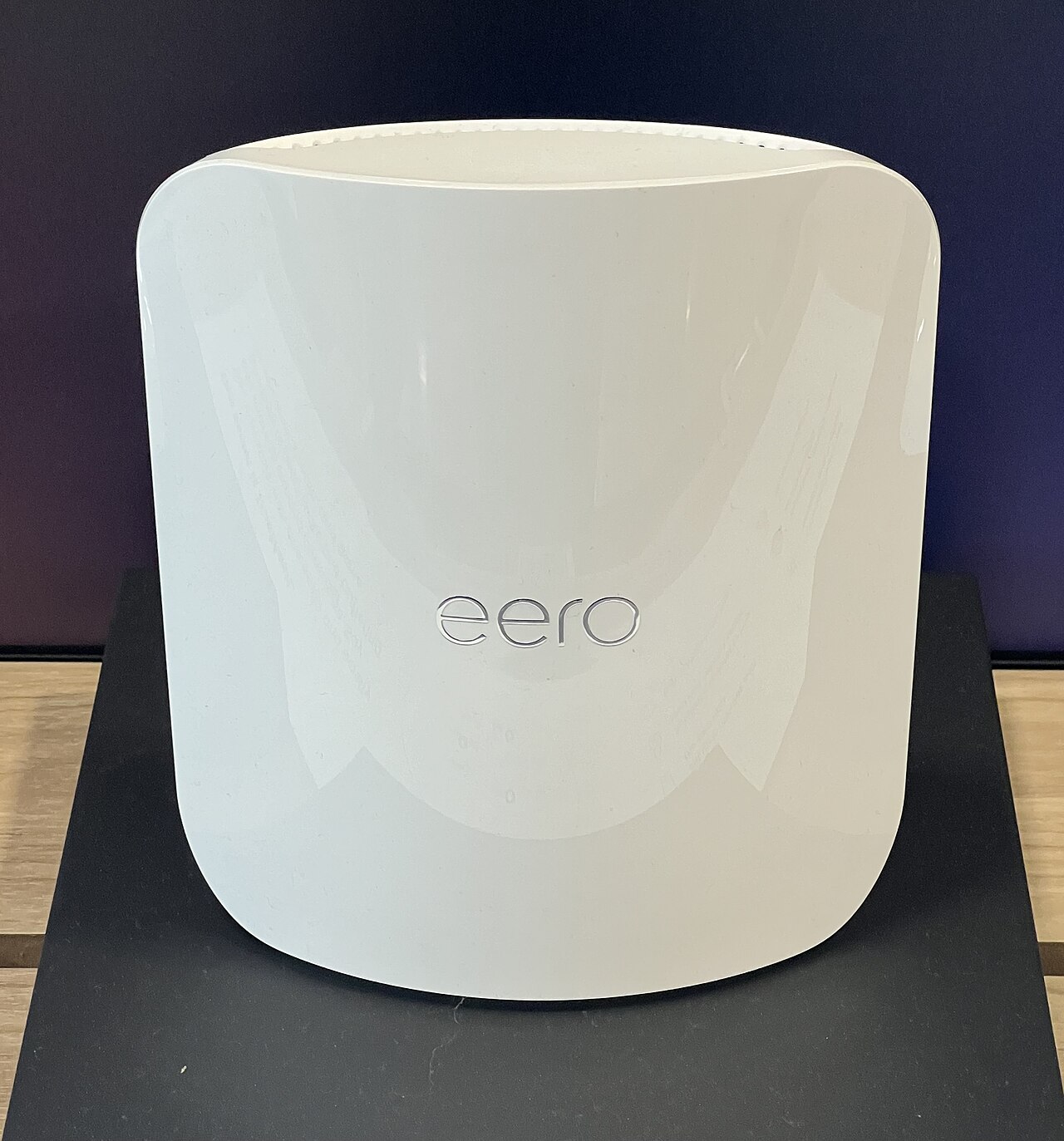
View this model on Amazon : eero Max 7 (US) (opens in a new tab)Check the seller, exact variant, price and included accessories.See the product photos and comparison illustration
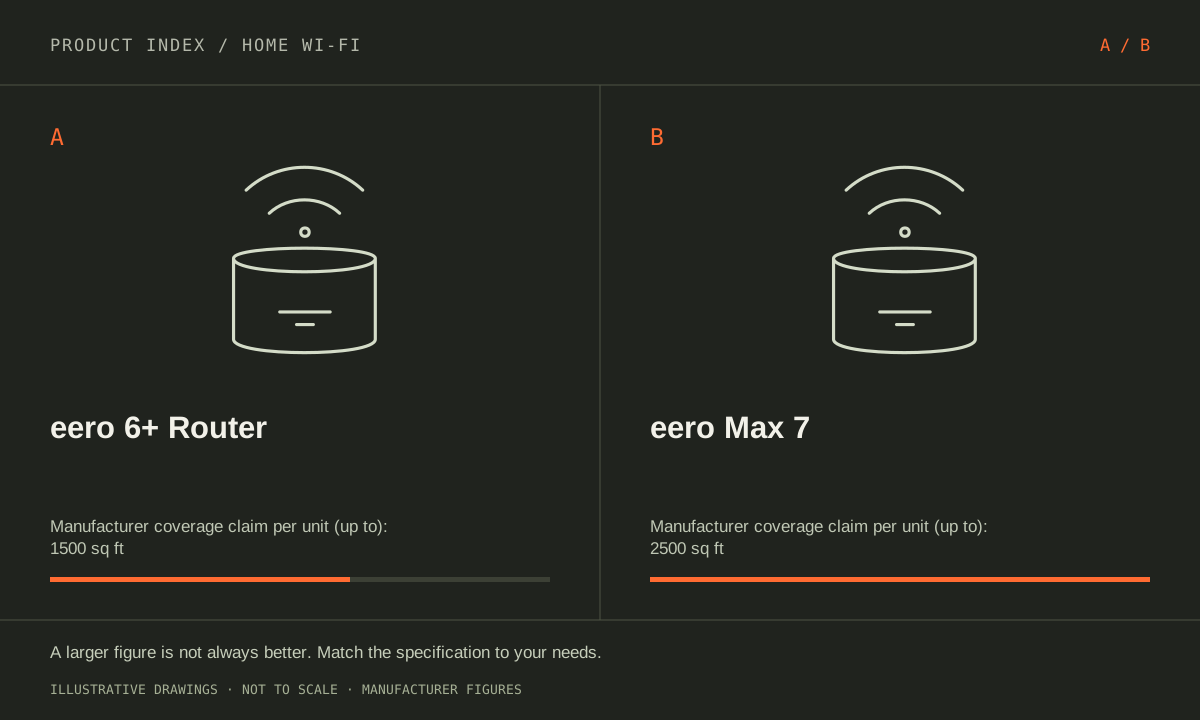
The facts, side by side.
Manufacturer specifications for the named models. On small screens, scroll the table sideways. A blank research field means the fact was not included here, not that the manufacturer does not publish it. Conditions and differently scoped specifications are kept separate.
| What matters | eero 6+ Router [1] | eero Max 7 [2] |
|---|---|---|
| Wi-Fi generation | Wi-Fi 6 (802.11ax) | Wi-Fi 7 (802.11be) |
| Radio bands | Dual-band: 2.4 and 5 GHz | Tri-band: 2.4, 5 and 6 GHz |
| Ethernet ports | 2 × 1 GbE | 2 × 10 GbE; 2 × 2.5 GbE |
| Maximum channel width | 160 MHz | 320 MHz (compatible 6 GHz operation) |
| Manufacturer coverage claim | Up to 1,500 sq ft per router; conditions apply | Up to 2,500 sq ft per unit; conditions apply |
| Role | Gateway router or mesh access point | Gateway router or mesh access point |
Listed maximums are manufacturer claims under their stated conditions, not results from our own testing. Regional versions and bundles can differ. No live prices or stock claims are shown.
Your internet plan is only one part of the speed path
The 6+ Router has two 1 GbE ports; Max 7 has two 10 GbE and two 2.5 GbE ports. That makes Max 7 the model to investigate when a multi-gigabit wired route is a firm requirement. It does not mean ordinary browsing automatically becomes ten times faster, or that the outside internet service changes when the router is replaced.
List the speed of the internet handoff, the port used on the router, any intervening switch, and the client’s network adapter. A household with a slower service may have no immediate reason to prioritize multi-gigabit WAN capacity, while someone moving large files within the local network may still care about faster wired links. Distinguish those two jobs. If the computer or switch stays at gigabit, upgrading the router alone leaves that part of the route unchanged. The buying decision should identify the connection that needs more capacity and the equipment on both sides.
Manufacturer references: eero 6+ Router · eero Max 7
New radios are useful when the clients and location match
6+ is a dual-band Wi-Fi 6 router using 2.4 and 5 GHz. Max 7 uses Wi-Fi 7 and adds 6 GHz. The extra band and newer features require compatible client capabilities to be used directly. An existing device does not acquire a new radio through a gateway upgrade.
Check the exact models of the phones and computers that handle the household’s demanding tasks. Mark their normal rooms and whether they can use Ethernet. Then consider whether the current problem is local congestion, distance, a weak mesh link, or the outside service. Those problems need different solutions. Do not buy a newer wireless generation solely because a speed test was disappointing in one room. A placement change or a wired connection may address the limiting link, while a high-end gateway placed in the same poor location can still leave a difficult layout unresolved.
Manufacturer references: eero 6+ Router · eero Max 7
Compare complete packs and a realistic room plan
The manufacturer’s per-unit coverage claims are up to 1,500 sq ft for 6+ Router and 2,500 sq ft for Max 7, subject to home conditions. These numbers are not measured coverage maps for your address. A floor plan with several levels or obstructive construction should not be reduced to its total area alone.
Identify node locations and the links between them before comparing one-unit and multi-unit listings. Confirm the 6+ item says Router when it must connect to the modem; the separate 6+ Extender lacks Ethernet. For an existing eero installation, account for the older nodes that remain in service, since mixed generations can limit the overall result. I would shortlist 6+ Router when its ports and radio bands cover a straightforward gigabit-oriented setup. I would investigate Max 7 when the plan names multi-gigabit wired devices or compatible Wi-Fi 7 clients. Spend on the network you can describe and place sensibly, rather than the most expensive box.
Manufacturer references: eero 6+ Router · eero Max 7
A CLOSER LOOK AT OWNERSHIP
Beyond the specification sheet.
Additional model-specific document research checked October 20, 2026. The original comparison’s specification check date remains shown above.
Check the complete setup before ordering
The Ethernet-equipped 6+ router can be your gateway; a portless extender cannot. If you keep another router in charge and bridge the eeros, you lose eero profiles, device blocking, IP reservations, and port forwarding. Buying a higher eero tier does not remove these configuration restrictions.
Max 7’s documented high-rate Ethernet ports are useful only within a coherent wired path. Assign internet, backhaul, and local devices to ports on paper, then check each endpoint. For wireless improvement, confirm the client devices and placement rather than assuming the highest router tier changes every connection.
Sources: eero 6+ Router — manufacturer model information; no independent performance test (opens in a new tab) · eero bridge-mode support — mode-dependent feature restrictions (opens in a new tab) · eero bridge-mode restrictions — profiles, blocking, reservations and port forwarding (opens in a new tab) · eero security updates — purchase-channel and date conditions (opens in a new tab) · eero placement guidance — layout and backhaul, not guaranteed coverage (opens in a new tab) · eero Max 7 — manufacturer model information; no independent performance test (opens in a new tab)
Price the equipment you will actually use
Price eero 6+ with the number of locations your floor plan requires and any switch for extra wired devices. Separate the hardware from optional eero Plus features and their current renewal terms. A discounted pack is not automatically better value if the problem can be solved by moving an existing unit.
Quote Max 7 with any required switches, cabling, and additional mesh units. Identify which expensive components can be reused and which are missing. Check optional subscription features separately. A single Max 7 is a different purchase from a three-location system even when the model name is identical.
Sources: eero 6+ Router — manufacturer model information; no independent performance test (opens in a new tab) · eero bridge-mode support — mode-dependent feature restrictions (opens in a new tab) · eero bridge-mode restrictions — profiles, blocking, reservations and port forwarding (opens in a new tab) · eero security updates — purchase-channel and date conditions (opens in a new tab) · eero placement guidance — layout and backhaul, not guaranteed coverage (opens in a new tab) · eero Max 7 — manufacturer model information; no independent performance test (opens in a new tab)
Plan care, parts, and the service route
The checked eero policy lists 6+ security updates through at least October 31, 2031. New purchases from eero.com or Amazon.com receive at least five years from purchase, or the listed date if later; purchases elsewhere use the listed date. This is an update commitment, not a hardware-life or warranty promise.
Max 7’s published minimum security-update date is October 31, 2031 at this check. New eero.com or Amazon.com purchases also receive at least five years from purchase when that ends later. Keep a receipt and distinguish that promise from hardware warranty coverage. An older network still receiving updates does not need replacement solely because Max 7 exists.
Sources: eero 6+ Router — manufacturer model information; no independent performance test (opens in a new tab) · eero bridge-mode support — mode-dependent feature restrictions (opens in a new tab) · eero bridge-mode restrictions — profiles, blocking, reservations and port forwarding (opens in a new tab) · eero security updates — purchase-channel and date conditions (opens in a new tab) · eero placement guidance — layout and backhaul, not guaranteed coverage (opens in a new tab) · eero Max 7 — manufacturer model information; no independent performance test (opens in a new tab)
What rules each option out—and when to keep what you own
Confirm that the 6+ listing is the Ethernet-equipped router when it must connect to a modem. Then ask whether Max 7’s newer radios or faster wired ports serve a specific compatible device. Rule out the expensive upgrade when the current bottleneck is an internet plan or a poorly placed node that neither replacement specification would fix by itself.
Keep a functioning 6+ setup for a household whose actual workloads fit its connections. Investigate better placement or supported wired backhaul before buying a different generation. If Max 7 is justified, include endpoint adapters and switches in the cost, and evaluate the mixed network you will actually operate rather than treating every retained 6+ node as newly upgraded hardware.
Sources: eero 6+ Router — manufacturer model information; no independent performance test (opens in a new tab) · eero bridge-mode support — mode-dependent feature restrictions (opens in a new tab) · eero bridge-mode restrictions — profiles, blocking, reservations and port forwarding (opens in a new tab) · eero security updates — purchase-channel and date conditions (opens in a new tab) · eero placement guidance — layout and backhaul, not guaranteed coverage (opens in a new tab) · eero Max 7 — manufacturer model information; no independent performance test (opens in a new tab)
THE REST OF THE BUYING DECISION
Think beyond the upgrade.
A good home network delivers dependable service where people use it. The largest advertised speed or a newer Wi-Fi generation is not automatically the solution to a slow bedroom, unreliable call, or busy household. Start by identifying where the problem occurs, then compare coverage, wired connections, client support, configuration, and ownership costs. This is a documented buying framework, not a claim that we measured these routers in your home.
The home wi-fi field guide covers the broader ownership questions, with source-specific examples. It complements this exact-model comparison; its examples do not establish features or policies for every model here.
MAKE IT YOUR DECISION
Your before-you-buy checklist.
Use this as a final check, alongside the model-specific evidence above.
Check off the questions you have resolved. Nothing is sent to a server.
Before you place the order.
- Match the full model name and generation. A similarly named bundle may have different accessories.
- Confirm the total price, seller, warranty eligibility, delivery estimate, and return terms at checkout.
- Account for any accessories or compatible equipment your setup needs. An upgrade only has value if you will use it.
Your product questions, answered.
Does a larger coverage claim mean I need fewer nodes?
Not reliably. The manufacturer maxima do not account for your exact walls, floors, interference, placement, or desired connection quality in each room.
What is the first thing to check before replacing a 6+?
Identify whether the limit is internet service, a gigabit port, client hardware, or the connection between rooms. That determines whether a new gateway addresses the problem.
Is every eero 6+ listing suitable as the gateway?
Check the exact listing. The router and the separately sold extender are not equivalent for wired connections. The gateway purchase must have the ports required by your modem and topology.
Sources: eero 6+ Router — manufacturer model information; no independent performance test (opens in a new tab) · eero bridge-mode support — mode-dependent feature restrictions (opens in a new tab) · eero bridge-mode restrictions — profiles, blocking, reservations and port forwarding (opens in a new tab) · eero security updates — purchase-channel and date conditions (opens in a new tab) · eero placement guidance — layout and backhaul, not guaranteed coverage (opens in a new tab) · eero Max 7 — manufacturer model information; no independent performance test (opens in a new tab)
Will older devices gain Wi-Fi 7 features?
No. They retain the capabilities of their own radios and software. New-router benefits should be tied to compatible clients or a verified local-network limitation.
Sources: eero 6+ Router — manufacturer model information; no independent performance test (opens in a new tab) · eero bridge-mode support — mode-dependent feature restrictions (opens in a new tab) · eero bridge-mode restrictions — profiles, blocking, reservations and port forwarding (opens in a new tab) · eero security updates — purchase-channel and date conditions (opens in a new tab) · eero placement guidance — layout and backhaul, not guaranteed coverage (opens in a new tab) · eero Max 7 — manufacturer model information; no independent performance test (opens in a new tab)
What is worth trying before replacing 6+?
Compare a wired connection with the weak-room connection, improve node placement, and investigate supported Ethernet backhaul. These checks help identify whether a new gateway addresses the problem.
Sources: eero 6+ Router — manufacturer model information; no independent performance test (opens in a new tab) · eero bridge-mode support — mode-dependent feature restrictions (opens in a new tab) · eero bridge-mode restrictions — profiles, blocking, reservations and port forwarding (opens in a new tab) · eero security updates — purchase-channel and date conditions (opens in a new tab) · eero placement guidance — layout and backhaul, not guaranteed coverage (opens in a new tab) · eero Max 7 — manufacturer model information; no independent performance test (opens in a new tab)
When does Max 7 have a concrete purpose?
When the plan names multi-gigabit wired links or compatible wireless clients that need capabilities the current system lacks. Confirm the complete path and realistic placement before purchasing.
Sources: eero 6+ Router — manufacturer model information; no independent performance test (opens in a new tab) · eero bridge-mode support — mode-dependent feature restrictions (opens in a new tab) · eero bridge-mode restrictions — profiles, blocking, reservations and port forwarding (opens in a new tab) · eero security updates — purchase-channel and date conditions (opens in a new tab) · eero placement guidance — layout and backhaul, not guaranteed coverage (opens in a new tab) · eero Max 7 — manufacturer model information; no independent performance test (opens in a new tab)
Sources & limitations.
Original comparison research: October 18, 2026. Individual product-source checks and ownership additions carry their own dates. These links identify the manufacturer evidence used for the specifications. Recommendations and practical implications are our editorial judgments. We have not measured performance, reliability, comfort, or long-term ownership for this comparison.
- eero 6+ Router (US; not Extender) — manufacturer specifications (opens in a new tab)
Checked October 18, 2026. - eero Max 7 (US) — manufacturer specifications (opens in a new tab)
eero — radio bandwidths by model (opens in a new tab)
Checked October 18, 2026.
Confirm current specifications for your region and exact bundle. Read our research and correction approach.