THE DIFFERENCES THAT MATTER
eero Pro 6E vs Pro 7: when do the newer ports solve a problem?
A concrete Wi-Fi 6E versus Wi-Fi 7 comparison using exact eero models, their Ethernet paths and compatible client features.
Researched from manufacturer sources. These products have not been hands-on tested for this article.
START HERE
Is Pro 6E’s gigabit second port a real bottleneck in your current network?
This is a model-specific way to compare Wi-Fi 6E with Wi-Fi 7. Pro 6E has one 2.5 GbE and one 1 GbE port; Pro 7 has two 5 GbE ports. Both are tri-band with 6 GHz, so adding that band is not the upgrade being offered here. Start with the internet plan, wired devices and client radios you already own. A working network does not automatically need replacement when the generation number changes.
eero Pro 6E (US)
A good fit if: A shortlist option for 6 GHz-capable clients when one multi-gigabit Ethernet port is sufficient.
The tradeoff: A 2.5 GbE internet uplink leaves a 1 GbE port for a directly attached wired device.
eero Pro 7 (US; one router)
A good fit if: A shortlist option for a multi-gigabit wired path that would be constrained by Pro 6E’s second 1 GbE port.
The tradeoff: A compatible client and suitable conditions are required for Wi-Fi 7 features; replacing a working network may add little to a slower plan.
As an Amazon Associate I earn from qualifying purchases. How shopping links work.
eero Pro 6E
View this model on Amazon : eero Pro 6E (US) (opens in a new tab)Check the seller, exact variant, price and included accessories.eero Pro 7
View this model on Amazon : eero Pro 7 (US; one router) (opens in a new tab)Check the seller, exact variant, price and included accessories.See the product photos and comparison illustration
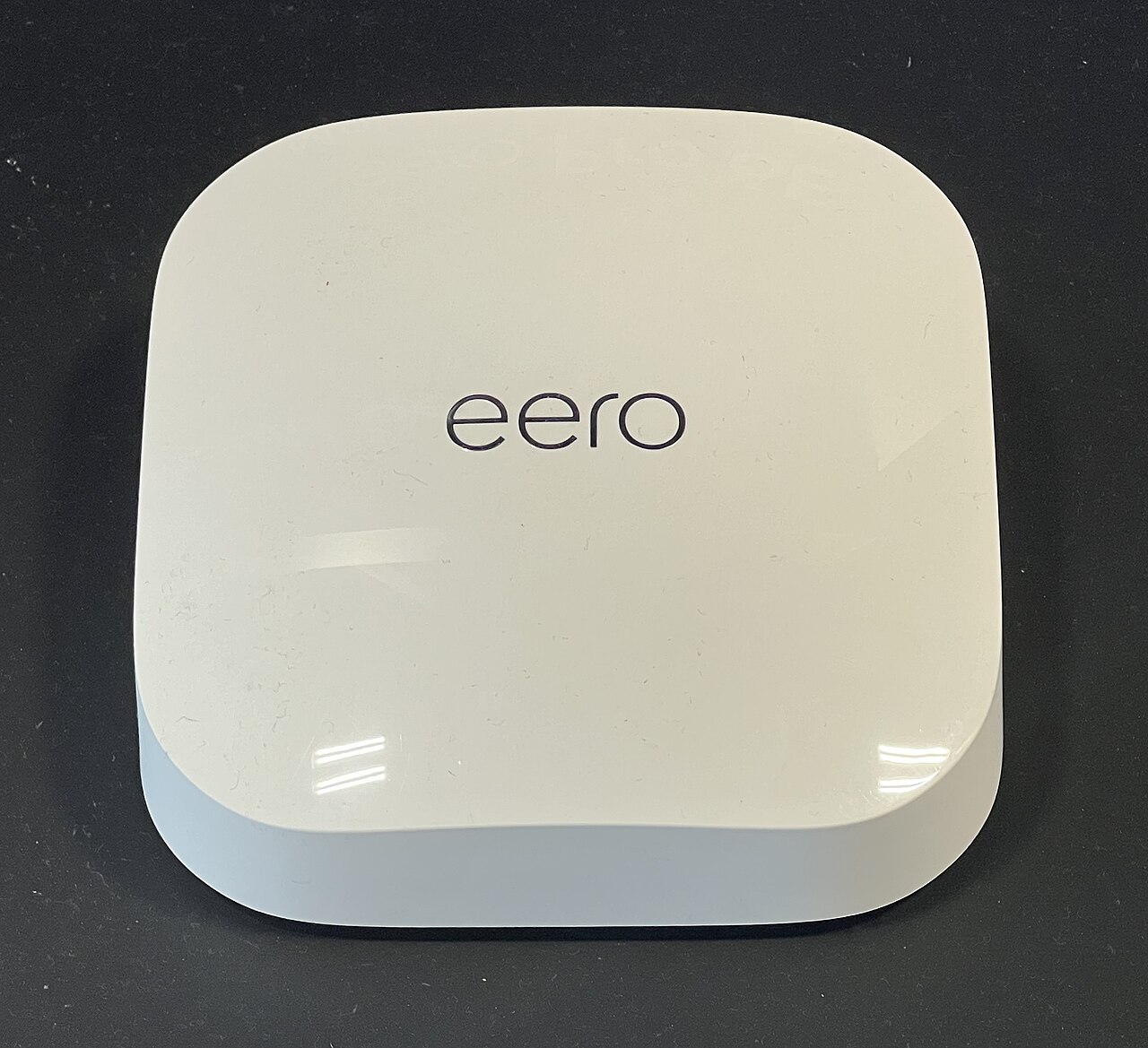
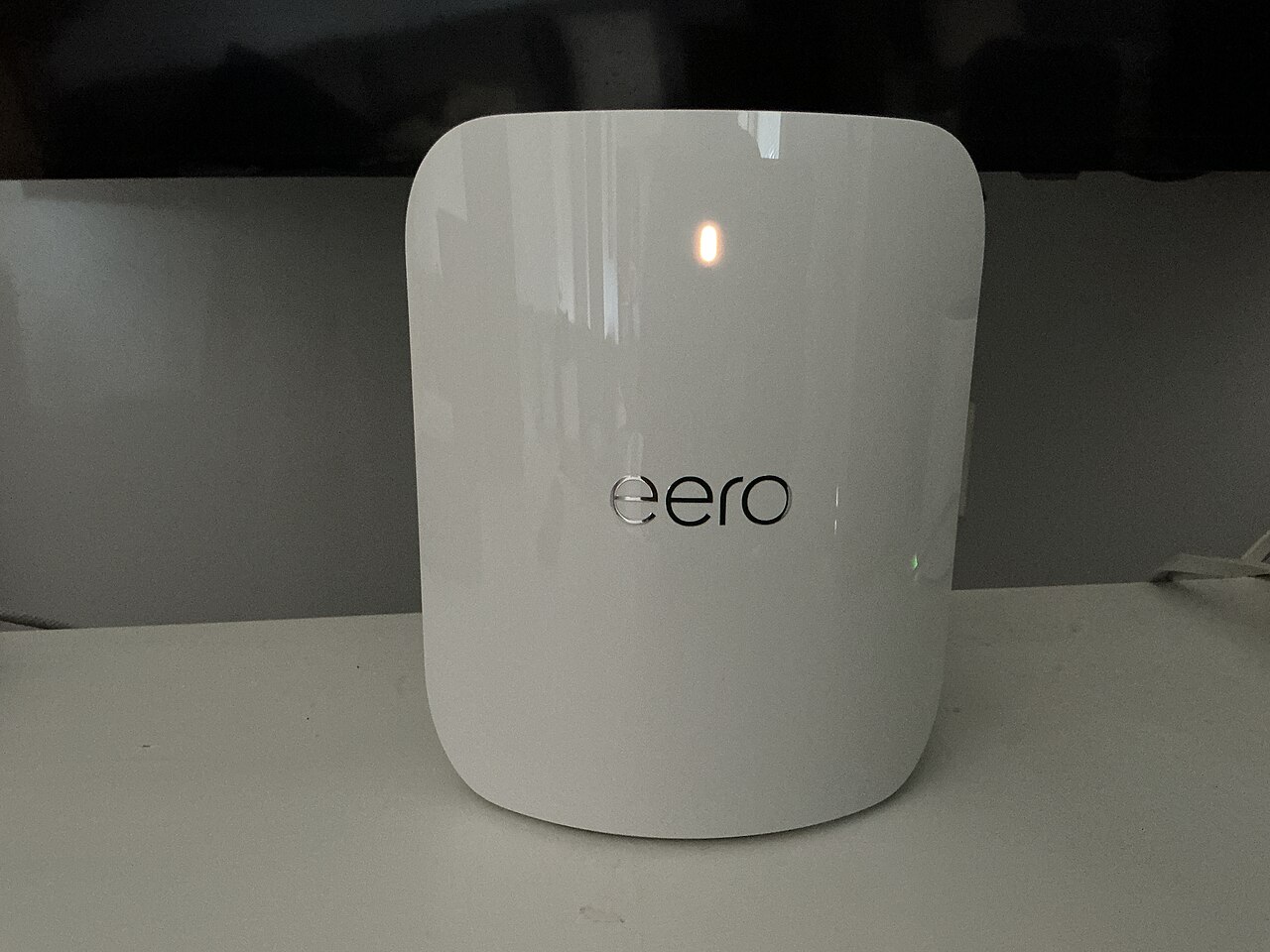
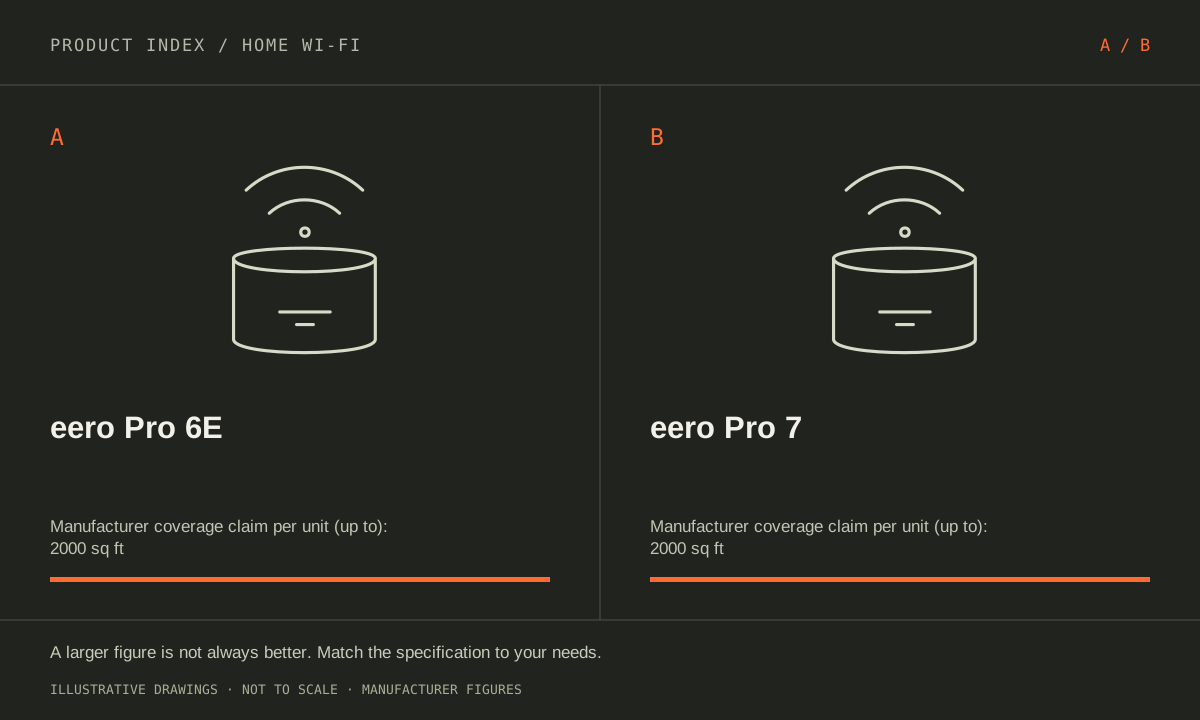
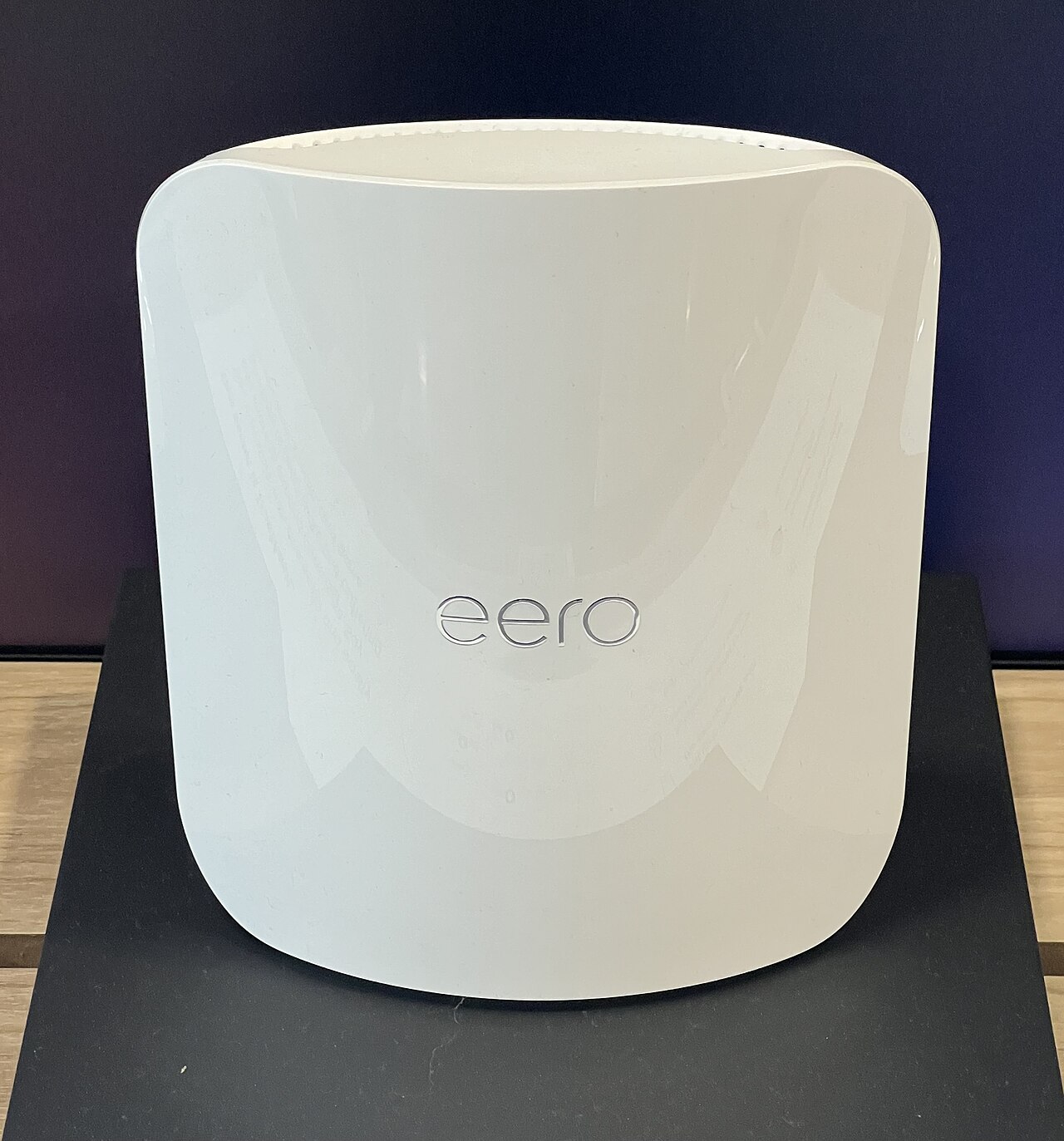
The facts, side by side.
Manufacturer specifications for the named models. On small screens, scroll the table sideways. A blank research field means the fact was not included here, not that the manufacturer does not publish it. Conditions and differently scoped specifications are kept separate.
| What matters | eero Pro 6E [1] | eero Pro 7 [2] |
|---|---|---|
| Wi-Fi generation | Wi-Fi 6E (802.11ax with 6 GHz) | Wi-Fi 7 |
| Radio bands | Tri-band: 2.4, 5 and 6 GHz | Tri-band: 2.4, 5 and 6 GHz |
| Ethernet ports | 1 × 2.5 GbE; 1 × 1 GbE | 2 × 5 GbE; auto-sensing |
| Maximum channel width | 160 MHz | 320 MHz on compatible 6 GHz operation |
| Manufacturer coverage claim | Up to 2,000 sq ft per unit; conditions apply | Up to 2,000 sq ft per unit (shop page); conditions apply |
| Role | Gateway router or mesh access point | Gateway router or mesh access point |
Listed maximums are manufacturer claims under their stated conditions, not results from our own testing. Regional versions and bundles can differ. No live prices or stock claims are shown.
Two faster ports change the end-to-end wired plan
With Pro 6E’s faster port used for the internet uplink, its remaining socket offers a 1 GbE link. Pro 7’s pair of 5 GbE sockets allows a faster rated connection on both sides of the gateway. That is a concrete improvement for a compatible modem, switch and wired device path. Port rates describe link capabilities; usable traffic is lower and depends on the complete system.
Draw the exact path between a computer and the internet or local storage. Check every adapter, cable and switch before blaming the router. A gigabit computer does not become multi-gigabit because the gateway has faster sockets. Conversely, a buyer already building a multi-gigabit wired network has a more specific reason to shortlist Pro 7 than someone hoping a new router name will speed up a modest service plan.
Manufacturer references: eero Pro 6E · eero Pro 7
Wi-Fi 7 needs compatible clients to use its new features
Pro 7 supports Wi-Fi 7, including multi-link operation and wider supported 6 GHz channels up to 320 MHz. Pro 6E supports up to 160 MHz. These capabilities depend on the client, configuration and local radio conditions. A Wi-Fi 6 or older device does not gain a Wi-Fi 7 radio after the router changes, even though it can still connect through a supported older mode.
Inventory the devices that do demanding work and the rooms where they operate. A single compatible laptop close to the gateway is different from several older devices behind multiple walls. If the weak link is a wireless connection between mesh nodes, a better placement or supported Ethernet backhaul may be worth investigating before replacing the whole system. Do not convert theoretical radio bandwidth into a guaranteed file-transfer speed or latency reduction.
Manufacturer references: eero Pro 6E · eero Pro 7
Do not assume a newer generation adds coverage
The eero shop page claims up to 2,000 sq ft per Pro 7, the same per-unit claim used here for Pro 6E. A support-page table instead lists 2,500 sq ft for Pro 7, conflicting with its own introduction. This comparison preserves the shop-page figure and makes no coverage-upgrade claim from that disagreement. Advertised footprints are not measurements in your floor plan.
For an existing network, note what is actually failing: a wired speed limit, an unsupported client feature, unstable placement or a missing control. Match a purchase to that failure and check current software and optional service terms. Confirm the selected retailer pack size, since this table describes one unit of each model. Favor Pro 7 for a defined multi-gigabit path or compatible Wi-Fi 7 requirement. Keep Pro 6E in consideration when its current connections already cover the household’s needs.
Manufacturer references: eero Pro 6E · eero Pro 7
A CLOSER LOOK AT OWNERSHIP
Beyond the specification sheet.
Additional model-specific document research checked October 20, 2026. The original comparison’s specification check date remains shown above.
Check the complete setup before ordering
Pro 6E’s 2.5 GbE uplink leaves its gigabit port for the local wired network. If another router handles routing, bridging the eeros also removes profiles, device blocking, IP reservations, and port forwarding from the eero app. Resolve that control requirement before choosing a paid service or assuming a Pro label preserves it.
For Pro 7, count the two physical Ethernet connections against your uplink, backhaul, and local-device needs. A switch may still be part of the design. Confirm the client capability needed for the intended wireless feature, and check the network operating mode before counting app controls as part of the purchase.
Sources: eero Pro 6E — manufacturer model information; no independent performance test (opens in a new tab) · eero bridge-mode support — mode-dependent feature restrictions (opens in a new tab) · eero bridge-mode restrictions — profiles, blocking, reservations and port forwarding (opens in a new tab) · eero security updates — purchase-channel and date conditions (opens in a new tab) · eero Pro 7 — manufacturer model information; no independent performance test (opens in a new tab)
Price the equipment you will actually use
Include switches and appropriate cabling in the Pro 6E price if multiple fixed devices need Ethernet. Distinguish optional eero Plus services from basic hardware ownership and check current renewal conditions. Compare a complete network layout against the newer model, not merely two single-unit shelf prices.
Price Pro 7 as a complete network with the right number of locations, any local switches, and cabling. Compare that total with Max 7’s additional built-in sockets where relevant. Separate optional eero Plus costs and current trials from the hardware decision so the first-year offer does not obscure later spending.
Sources: eero Pro 6E — manufacturer model information; no independent performance test (opens in a new tab) · eero bridge-mode support — mode-dependent feature restrictions (opens in a new tab) · eero bridge-mode restrictions — profiles, blocking, reservations and port forwarding (opens in a new tab) · eero security updates — purchase-channel and date conditions (opens in a new tab) · eero Pro 7 — manufacturer model information; no independent performance test (opens in a new tab)
Plan care, parts, and the service route
Pro 6E is listed for security updates through at least October 31, 2031 in the checked policy. The separate five-year-from-purchase guarantee applies to new units bought on eero.com or Amazon.com, with the later date controlling. Save the receipt; a secondhand or other-seller purchase should not be assigned a fresh five-year period.
Pro 7 is listed for security updates through at least October 31, 2031. For new eero.com or Amazon.com purchases, the guarantee is at least five years after purchase or that date, whichever is later. The policy treats other purchase channels differently; paying for a premium router does not mean indefinite updates or a five-year hardware warranty.
Sources: eero Pro 6E — manufacturer model information; no independent performance test (opens in a new tab) · eero bridge-mode support — mode-dependent feature restrictions (opens in a new tab) · eero bridge-mode restrictions — profiles, blocking, reservations and port forwarding (opens in a new tab) · eero security updates — purchase-channel and date conditions (opens in a new tab) · eero Pro 7 — manufacturer model information; no independent performance test (opens in a new tab)
What rules each option out—and when to keep what you own
Pro 7’s two 5 GbE ports provide a concrete reason to investigate it when Pro 6E’s remaining gigabit connection limits the desired wired path. Wi-Fi 7 alone is a less complete reason without compatible clients. Rule out a purchase justified by an assumed coverage increase: the catalog records conflicting manufacturer footprint statements and does not establish a measured range improvement.
Keep Pro 6E if its current wired and wireless service meets the household’s needs. If moving to Pro 7, identify the actual multi-gigabit endpoints and the nodes that remain older hardware. Check operating-mode features and optional service terms before ordering, and treat a more demanding local-network project as a complete equipment and wiring plan.
Sources: eero Pro 6E — manufacturer model information; no independent performance test (opens in a new tab) · eero bridge-mode support — mode-dependent feature restrictions (opens in a new tab) · eero bridge-mode restrictions — profiles, blocking, reservations and port forwarding (opens in a new tab) · eero security updates — purchase-channel and date conditions (opens in a new tab) · eero Pro 7 — manufacturer model information; no independent performance test (opens in a new tab)
THE REST OF THE BUYING DECISION
Think beyond the upgrade.
A good home network delivers dependable service where people use it. The largest advertised speed or a newer Wi-Fi generation is not automatically the solution to a slow bedroom, unreliable call, or busy household. Start by identifying where the problem occurs, then compare coverage, wired connections, client support, configuration, and ownership costs. This is a documented buying framework, not a claim that we measured these routers in your home.
The home wi-fi field guide covers the broader ownership questions, with source-specific examples. It complements this exact-model comparison; its examples do not establish features or policies for every model here.
MAKE IT YOUR DECISION
Your before-you-buy checklist.
Use this as a final check, alongside the model-specific evidence above.
Check off the questions you have resolved. Nothing is sent to a server.
Before you place the order.
- Match the full model name and generation. A similarly named bundle may have different accessories.
- Confirm the total price, seller, warranty eligibility, delivery estimate, and return terms at checkout.
- Account for any accessories or compatible equipment your setup needs. An upgrade only has value if you will use it.
Your product questions, answered.
Does Pro 7 add 6 GHz over Pro 6E?
Both already provide 2.4, 5 and 6 GHz radios. The newer model changes generation, supported features and Ethernet capabilities.
Will an older phone get Wi-Fi 7 features?
No. It can connect using a supported older mode, but its radio and software determine which features it can use.
Does Pro 7 add a 6 GHz band that Pro 6E lacks?
No. Both already support 6 GHz. The newer model changes wireless-generation features and wired port capability, with benefits dependent on clients and the complete setup.
Sources: eero Pro 6E — manufacturer model information; no independent performance test (opens in a new tab) · eero bridge-mode support — mode-dependent feature restrictions (opens in a new tab) · eero bridge-mode restrictions — profiles, blocking, reservations and port forwarding (opens in a new tab) · eero security updates — purchase-channel and date conditions (opens in a new tab) · eero Pro 7 — manufacturer model information; no independent performance test (opens in a new tab)
What is the clearest wired reason to upgrade?
Pro 7 has two 5 GbE ports, while Pro 6E combines a 2.5 GbE and a gigabit port. A planned faster path through both sides of the gateway can make that difference relevant.
Sources: eero Pro 6E — manufacturer model information; no independent performance test (opens in a new tab) · eero bridge-mode support — mode-dependent feature restrictions (opens in a new tab) · eero bridge-mode restrictions — profiles, blocking, reservations and port forwarding (opens in a new tab) · eero security updates — purchase-channel and date conditions (opens in a new tab) · eero Pro 7 — manufacturer model information; no independent performance test (opens in a new tab)
Can I assume Pro 7 covers more floor space?
No. Manufacturer footprint statements conflict, and advertised areas do not establish coverage in your home. Use the actual layout and a permitted trial or installation assessment.
Sources: eero Pro 6E — manufacturer model information; no independent performance test (opens in a new tab) · eero bridge-mode support — mode-dependent feature restrictions (opens in a new tab) · eero bridge-mode restrictions — profiles, blocking, reservations and port forwarding (opens in a new tab) · eero security updates — purchase-channel and date conditions (opens in a new tab) · eero Pro 7 — manufacturer model information; no independent performance test (opens in a new tab)
What should I buy alongside Pro 7?
Only equipment required by the mapped network path, such as a suitable switch or endpoint adapter. Do not buy extra hardware simply because the router supports a faster link.
Sources: eero Pro 6E — manufacturer model information; no independent performance test (opens in a new tab) · eero bridge-mode support — mode-dependent feature restrictions (opens in a new tab) · eero bridge-mode restrictions — profiles, blocking, reservations and port forwarding (opens in a new tab) · eero security updates — purchase-channel and date conditions (opens in a new tab) · eero Pro 7 — manufacturer model information; no independent performance test (opens in a new tab)
Sources & limitations.
Original comparison research: October 18, 2026. Individual product-source checks and ownership additions carry their own dates. These links identify the manufacturer evidence used for the specifications. Recommendations and practical implications are our editorial judgments. We have not measured performance, reliability, comfort, or long-term ownership for this comparison.
- eero Pro 6E (US) — manufacturer specifications (opens in a new tab)
eero — model differences and per-unit coverage (opens in a new tab)
Checked October 18, 2026. - eero Pro 7 (US; one router) — manufacturer specifications (opens in a new tab)
The shop page and support-page introduction state up to 2,000 sq ft per unit. A table on the support page instead says 2,500 sq ft. This comparison preserves the shop-page claim and does not infer a coverage improvement over Pro 6E.
eero Pro 7 ports, radios and channel widths (opens in a new tab)
Checked October 18, 2026.
Confirm current specifications for your region and exact bundle. Read our research and correction approach.