THE DIFFERENCES THAT MATTER
Sony a6700 vs Fujifilm X-S20: slow motion or open-gate framing?
Compare these APS-C bodies around specific video outputs, lens systems and conditional stabilization claims.
Researched from manufacturer sources. These products have not been hands-on tested for this article.
START HERE
Will you use cropped 4K high frame rates or a taller 3:2 video master for several outputs?
Sony a6700 and Fujifilm X-S20 have similar still-photo resolution and almost identical listed ready-to-shoot body weights. Their video modes and lens systems create more useful distinctions. Sony offers 4K up to 120p with restrictions; Fujifilm offers 6.2K capture in a 3:2 aspect ratio up to 29.97p. Choose around the footage you need to deliver, while leaving autofocus, rolling-shutter and image-quality rankings to suitable comparative evidence.
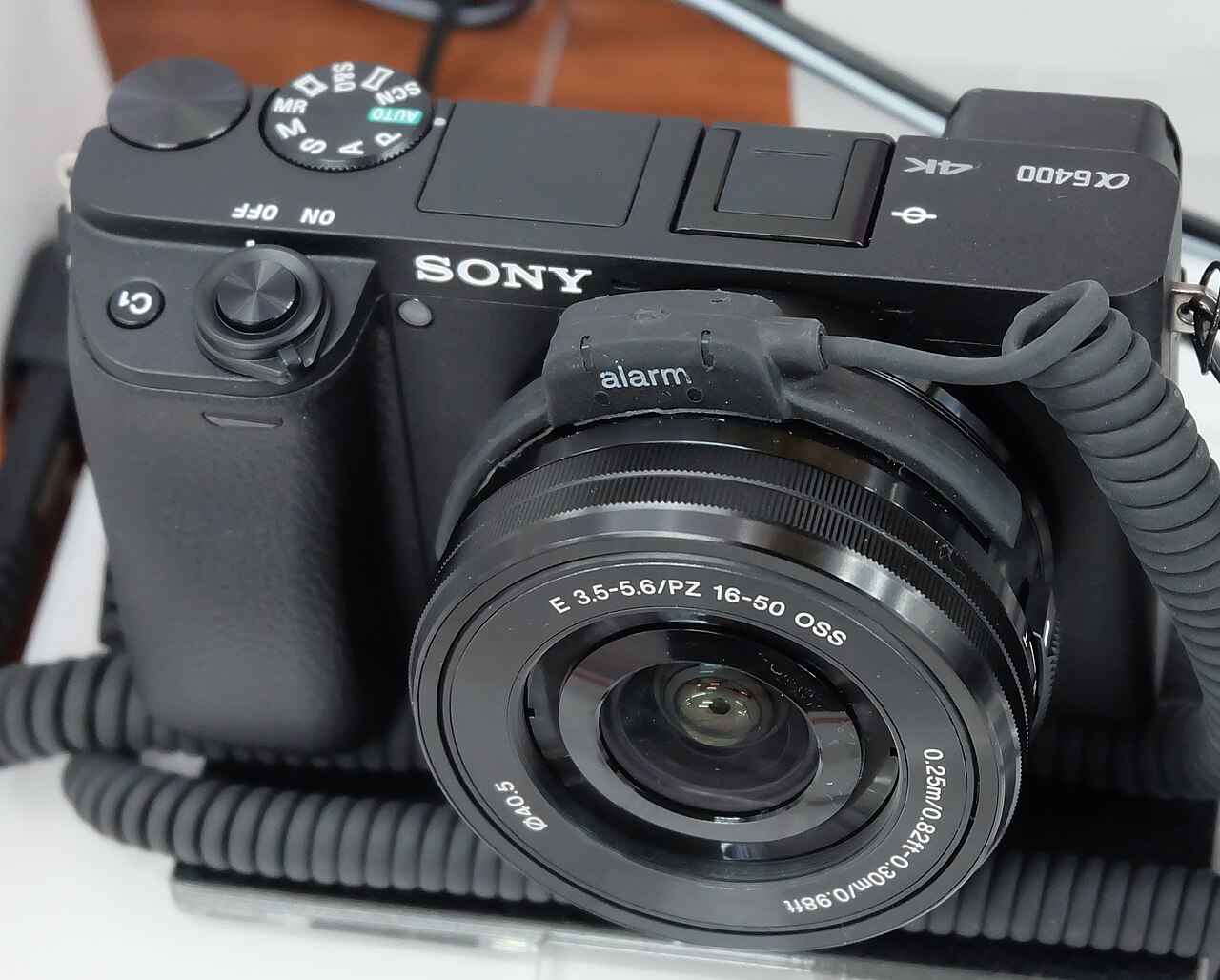
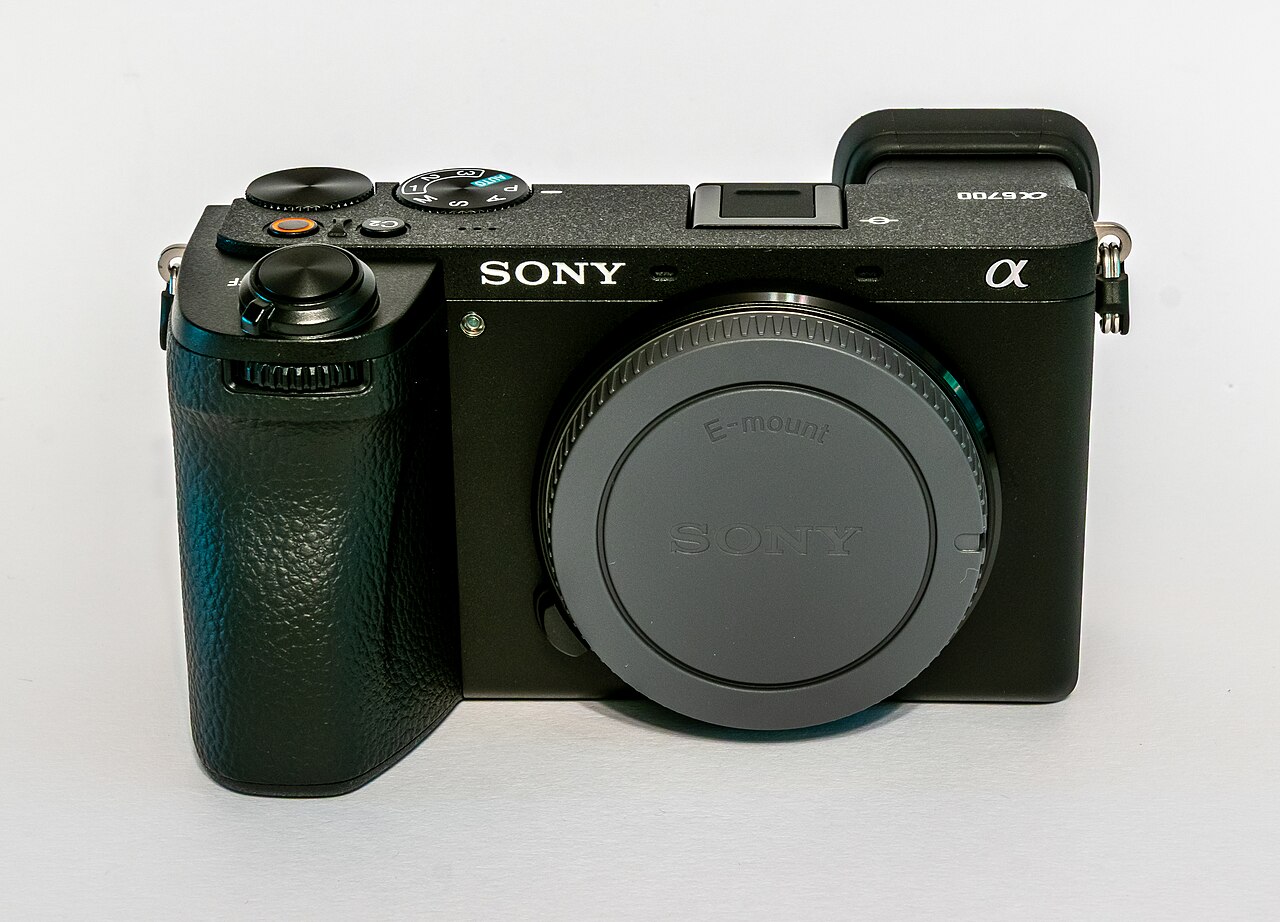
Sony Alpha a6700 (ILCE-6700; body only)
A good fit if: A shortlist option for an E-mount lens plan or a workflow needing its cropped high-frame-rate 4K mode.
The tradeoff: 4K 120p is a restricted mode rather than the same field of view as ordinary 4K; sensor-shift ratings are conditional.
Fujifilm X-S20 (black; body only)
A good fit if: A shortlist option when 3:2 open-gate video capture or an X-mount lens plan suits the output you make.
The tradeoff: The higher stabilization claim used a different lens from Sony; it does not establish a two-stop head-to-head advantage.
As an Amazon Associate I earn from qualifying purchases. How shopping links work.
Sony a6700
View this model on Amazon : Sony Alpha a6700 (ILCE-6700; body only) (opens in a new tab)Check the seller, exact variant, price and included accessories.Fujifilm X-S20
View this model on Amazon : Fujifilm X-S20 (black; body only) (opens in a new tab)Check the seller, exact variant, price and included accessories.See the product photos and comparison illustration
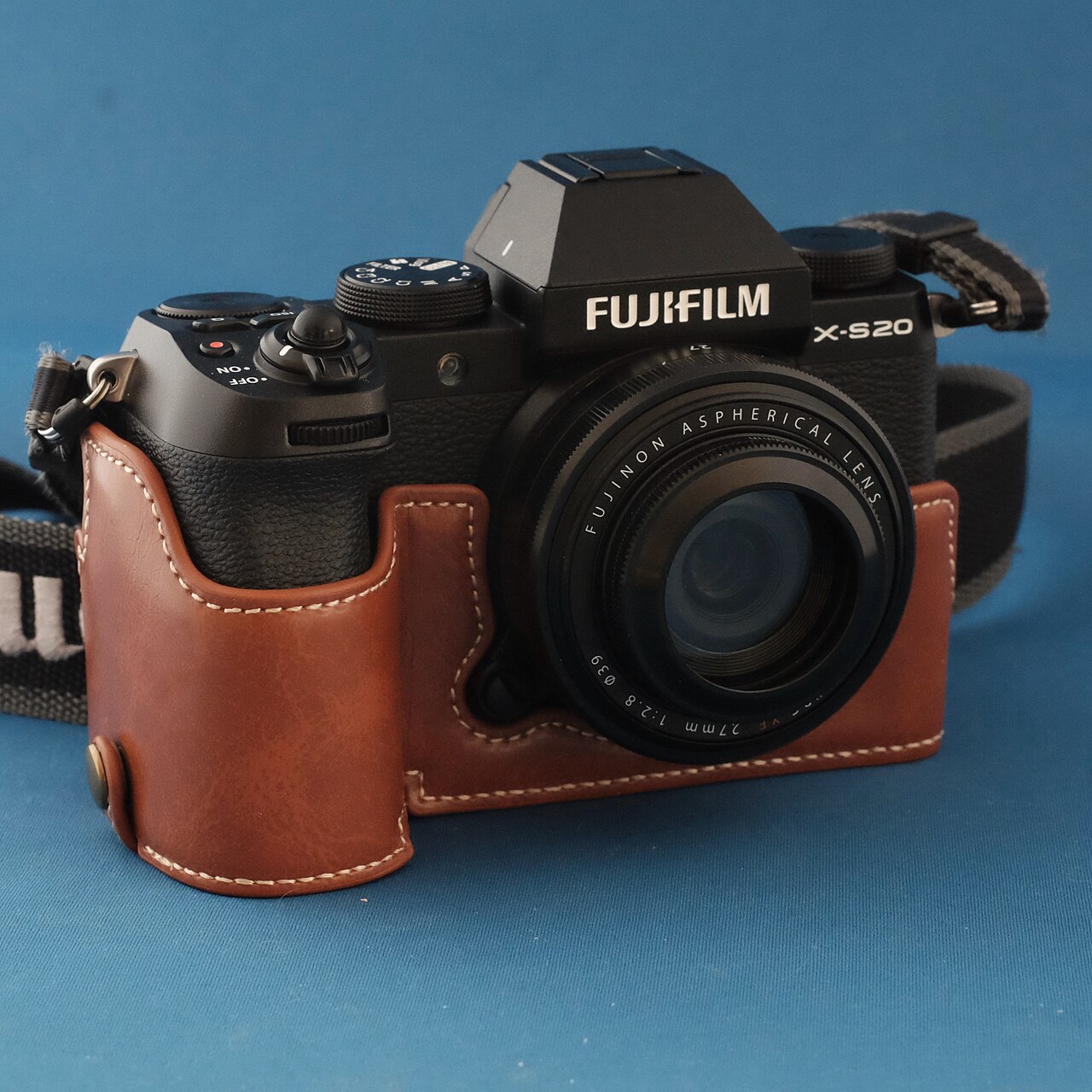
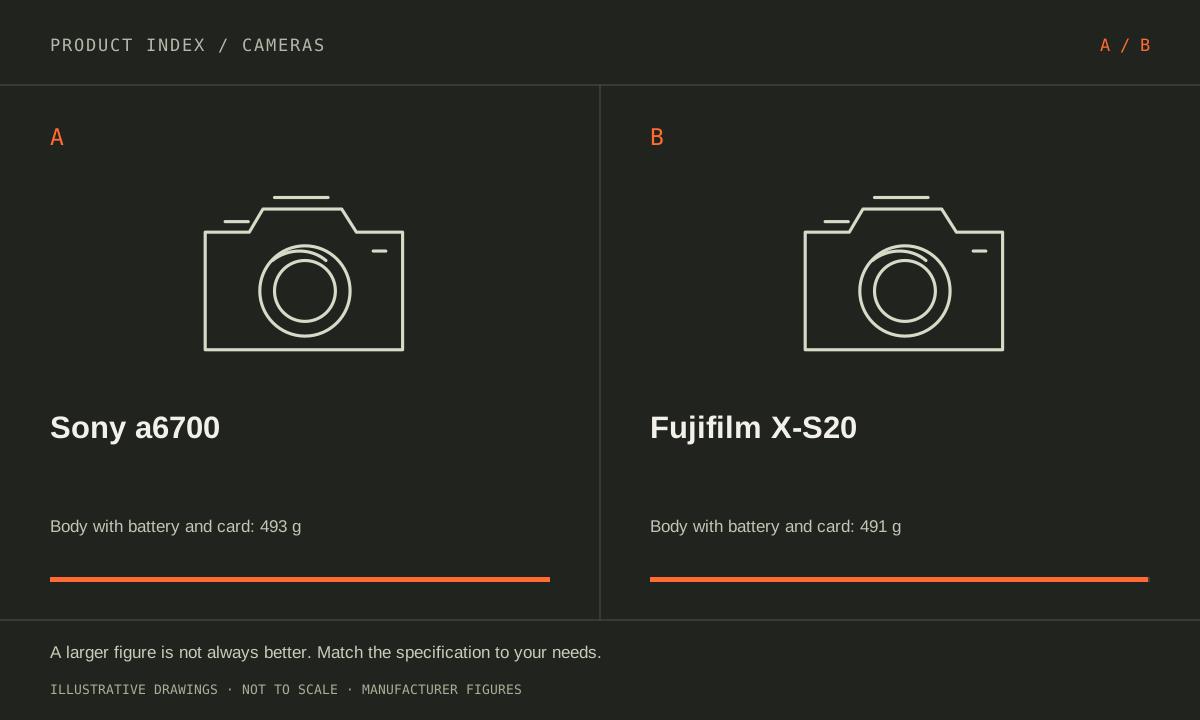
The facts, side by side.
Manufacturer specifications for the named models. On small screens, scroll the table sideways. A blank research field means the fact was not included here, not that the manufacturer does not publish it. Conditions and differently scoped specifications are kept separate.
| What matters | Sony a6700 [1] | Fujifilm X-S20 [2] |
|---|---|---|
| Effective resolution | Approximately 26.0 MP stills | 26.1 megapixels |
| Sensor format | APS-C | APS-C |
| Lens mount | Sony E-mount | Fujifilm X-mount |
| Stabilization | 5-axis sensor-shift; 5.0-stop CIPA claim with specified lens | 5-axis sensor-shift; 7.0-stop CIPA claim with specified lens |
| Video option | 4K up to 120p; crop and mode restrictions apply | 6.2K 3:2 up to 29.97p; 4K up to 59.94p |
| Screen | 3.0-type vari-angle touchscreen | 3-inch vari-angle touchscreen |
| Weight with battery/card | Approximately 493 g | Approximately 491 g |
Listed maximums are manufacturer claims under their stated conditions, not results from our own testing. Regional versions and bundles can differ. No live prices or stock claims are shown.
Frame rate and aspect ratio solve different editing problems
Sony’s high-frame-rate 4K mode can suit a slow-motion requirement, but its product footnotes specify an additional image crop and limits on features including Active stabilization at 120 fps. Check the field of view with the lens you intend to use. Buying for that mode is different from expecting ordinary wide-angle framing and every stabilization feature to remain available at the maximum rate.
Fujifilm’s 6.2K 3:2 recording provides a taller master than a 16:9 clip, which can be useful when composing both horizontal and vertical versions. That flexibility is an editing option rather than a guarantee that every crop retains the desired subject. Its 4K mode reaches 59.94p. Decide which output constraint recurs in your work before treating the larger resolution number or faster frame rate as an overall quality score.
Manufacturer references: Sony a6700 · Fujifilm X-S20
Similar body weights leave the lens plan doing more work
The published weights with battery and memory card are about 493 g for Sony and 491 g for Fujifilm. A two-gram difference is not a useful basis for choosing a travel kit. Compare the actual E-mount and X-mount lenses needed for a wide view, portraits or distant subjects. Include filters, microphones and any camera support in the size and budget calculation.
Both have vari-angle touchscreens and sensor-shift stabilization, but an attached cable or cage can change how a screen moves. Hold the camera with the intended lens and try the controls before relying on a body photograph. For a person filming alone, check microphone and monitoring connections in the desired mode and test the transfer to editing software. A camera that creates files your computer struggles to handle can complicate an otherwise straightforward recording routine.
Manufacturer references: Sony a6700 · Fujifilm X-S20
Read stabilization claims with the test conditions attached
Sony lists a five-stop still-photo stabilization claim under its specified CIPA test with an FE 50 mm F1.2 GM lens. Fujifilm lists seven stops with an XF35mmF1.4 R lens under its stated conditions. These are different lens-and-body arrangements, so subtracting the figures does not establish a measured two-stop advantage in your own shooting. Both address camera movement, not motion by the subject.
For video, review the exact combination of resolution, crop, frame rate and stabilization you need rather than combining every headline into an imaginary all-features mode. Plan memory-card compatibility, spare power and recording duration for the environment. Favor Sony for a specific supported high-frame-rate workflow or existing E-mount plan. Favor Fujifilm for 3:2 open-gate capture or the X-mount kit that fits your output. Neither choice follows simply from 26.0 versus 26.1 megapixels.
Manufacturer references: Sony a6700 · Fujifilm X-S20
A CLOSER LOOK AT OWNERSHIP
Beyond the specification sheet.
Additional model-specific document research checked October 20, 2026. The original comparison’s specification check date remains shown above.
Check the complete setup before ordering
For a6700 movies with proxy recording off, Sony specifies SDXC V60 or better for XAVC HS/S 4K up to 280 Mbps and V90 or better for XAVC S-I 4K up to 600 Mbps. A card that works for ordinary clips may therefore be unsuitable for the format that motivates the upgrade.
For X-S20, identify the final video output and the exact recording mode needed to create it. Fujifilm’s manual distinguishes storage and encoding requirements. Import a representative file into your editor before purchase, and assemble the lens and microphone so the screen, ports, and handgrip can be evaluated together.
Sources: Sony a6700 — manufacturer model information; no independent performance test (opens in a new tab) · Sony a6700 guide — card requirements vary with recording mode (opens in a new tab) · Sony a6700 guide — card handling and backup precautions (opens in a new tab) · Sony a6700 guide — USB-PD power and inserted-battery requirements (opens in a new tab) · Fujifilm X-S20 — manufacturer model information; no independent performance test (opens in a new tab) · Fujifilm X-S20 manual — storage and recording specifications (opens in a new tab) · Fujifilm X-S20 manual — FAN-001 attachment and audible fan noise (opens in a new tab)
Price the equipment you will actually use
Include the a6700 lens, appropriate cards, reader, spare power, and storage in the purchase total. If replacing a6400, audit each accessory rather than assuming all batteries or power equipment carry over with E-mount lenses. Put a price on the footage workflow you actually intend to use, not every maximum mode.
X-S20 supports Fujifilm’s optional FAN-001 cooling fan, attached behind the opened monitor with the camera off. It is a concrete accessory to price for sustained recording, not an included feature to assume. Fujifilm warns that some fan speeds can be audible in recorded movies, so microphone placement and monitoring remain part of that setup.
Sources: Sony a6700 — manufacturer model information; no independent performance test (opens in a new tab) · Sony a6700 guide — card requirements vary with recording mode (opens in a new tab) · Sony a6700 guide — card handling and backup precautions (opens in a new tab) · Sony a6700 guide — USB-PD power and inserted-battery requirements (opens in a new tab) · Fujifilm X-S20 — manufacturer model information; no independent performance test (opens in a new tab) · Fujifilm X-S20 manual — storage and recording specifications (opens in a new tab) · Fujifilm X-S20 manual — FAN-001 attachment and audible fan noise (opens in a new tab)
Plan care, parts, and the service route
For extended a6700 recording on external power, Sony recommends USB-PD 9 V/3 A and requires a sufficiently charged battery to remain inserted. The battery does not charge while the camera is on and may supplement the external source. Connect or remove the USB cable with the camera off; external power does not guarantee unlimited recording.
Get X-S20-specific care, firmware, and service guidance from Fujifilm’s regional support. Ask how the intended use and purchase channel affect coverage, and whether a proposed accessory changes the setup requirements. We have not verified a repair quote or guaranteed long-take duration; validate the actual recording conditions yourself.
Sources: Sony a6700 — manufacturer model information; no independent performance test (opens in a new tab) · Sony a6700 guide — card requirements vary with recording mode (opens in a new tab) · Sony a6700 guide — card handling and backup precautions (opens in a new tab) · Sony a6700 guide — USB-PD power and inserted-battery requirements (opens in a new tab) · Fujifilm X-S20 — manufacturer model information; no independent performance test (opens in a new tab) · Fujifilm X-S20 manual — storage and recording specifications (opens in a new tab) · Fujifilm X-S20 manual — FAN-001 attachment and audible fan noise (opens in a new tab)
What rules each option out—and when to keep what you own
For hybrid use, write down the exact photo and video settings rather than selecting a headline resolution. Sony and Fujifilm specify recording requirements by mode; storage and sustained-recording needs can change with the settings. Rule out a configuration if the card, power arrangement, lens, or intended recording duration cannot be supported under the manufacturer’s instructions.
Keep an existing Sony or Fujifilm kit when its limitations can be addressed by a lens, light, microphone, or workflow change. If switching is justified, compare complete kits for the same job and handling preference. Budget file storage and editing capability as well as the camera, since selecting a more demanding recording format affects the entire production process.
Sources: Sony a6700 — manufacturer model information; no independent performance test (opens in a new tab) · Sony a6700 guide — card requirements vary with recording mode (opens in a new tab) · Sony a6700 guide — card handling and backup precautions (opens in a new tab) · Sony a6700 guide — USB-PD power and inserted-battery requirements (opens in a new tab) · Fujifilm X-S20 — manufacturer model information; no independent performance test (opens in a new tab) · Fujifilm X-S20 manual — storage and recording specifications (opens in a new tab) · Fujifilm X-S20 manual — FAN-001 attachment and audible fan noise (opens in a new tab)
THE REST OF THE BUYING DECISION
Think beyond the upgrade.
A camera purchase includes a lens system, a way to capture sound, a storage workflow, and equipment you must be willing to carry. Begin with the shots your current kit cannot reliably deliver. This guide uses official Canon documentation for concrete examples while keeping the decision process applicable across brands. Specifications do not substitute for our own image-quality, autofocus, or endurance testing, which we do not claim here.
The cameras field guide covers the broader ownership questions, with source-specific examples. It complements this exact-model comparison; its examples do not establish features or policies for every model here.
MAKE IT YOUR DECISION
Your before-you-buy checklist.
Use this as a final check, alongside the model-specific evidence above.
Check off the questions you have resolved. Nothing is sent to a server.
Before you place the order.
- Match the full model name and generation. A similarly named bundle may have different accessories.
- Confirm the total price, seller, warranty eligibility, delivery estimate, and return terms at checkout.
- Account for any accessories or compatible equipment your setup needs. An upgrade only has value if you will use it.
Your product questions, answered.
Does the a6700 offer identical framing in every 4K mode?
No. High-frame-rate 4K has an additional crop, and some stabilization and compensation options have mode restrictions.
Is Fujifilm guaranteed to stabilize two stops better?
No. The published CIPA claims use different specified lenses and conditions; they are not a shared comparison.
Will any SD card work for every video setting?
No. Check the exact recording mode against the manufacturer’s card requirements. A card that records one mode successfully does not establish suitability for a more demanding mode.
Sources: Sony a6700 — manufacturer model information; no independent performance test (opens in a new tab) · Sony a6700 guide — card requirements vary with recording mode (opens in a new tab) · Sony a6700 guide — card handling and backup precautions (opens in a new tab) · Sony a6700 guide — USB-PD power and inserted-battery requirements (opens in a new tab) · Fujifilm X-S20 — manufacturer model information; no independent performance test (opens in a new tab) · Fujifilm X-S20 manual — storage and recording specifications (opens in a new tab) · Fujifilm X-S20 manual — FAN-001 attachment and audible fan noise (opens in a new tab)
Which produces better color for everyone?
That is not established by these specifications. Compare the output style and editing workflow you prefer using credible samples or a permitted trial, with consistent viewing conditions.
Sources: Sony a6700 — manufacturer model information; no independent performance test (opens in a new tab) · Sony a6700 guide — card requirements vary with recording mode (opens in a new tab) · Sony a6700 guide — card handling and backup precautions (opens in a new tab) · Sony a6700 guide — USB-PD power and inserted-battery requirements (opens in a new tab) · Fujifilm X-S20 — manufacturer model information; no independent performance test (opens in a new tab) · Fujifilm X-S20 manual — storage and recording specifications (opens in a new tab) · Fujifilm X-S20 manual — FAN-001 attachment and audible fan noise (opens in a new tab)
What should a long-recording trial include?
Use the planned mode, lens, card, power supply, ambient conditions, and microphone. Check the manufacturers’ operating limits; this article does not supply a measured thermal endurance ranking.
Sources: Sony a6700 — manufacturer model information; no independent performance test (opens in a new tab) · Sony a6700 guide — card requirements vary with recording mode (opens in a new tab) · Sony a6700 guide — card handling and backup precautions (opens in a new tab) · Sony a6700 guide — USB-PD power and inserted-battery requirements (opens in a new tab) · Fujifilm X-S20 — manufacturer model information; no independent performance test (opens in a new tab) · Fujifilm X-S20 manual — storage and recording specifications (opens in a new tab) · Fujifilm X-S20 manual — FAN-001 attachment and audible fan noise (opens in a new tab)
What costs belong beyond the camera and lens?
Include compatible cards, backup storage, power accessories, audio equipment, and any editing upgrades the chosen formats require. Avoid buying a demanding mode that the rest of the workflow cannot use.
Sources: Sony a6700 — manufacturer model information; no independent performance test (opens in a new tab) · Sony a6700 guide — card requirements vary with recording mode (opens in a new tab) · Sony a6700 guide — card handling and backup precautions (opens in a new tab) · Sony a6700 guide — USB-PD power and inserted-battery requirements (opens in a new tab) · Fujifilm X-S20 — manufacturer model information; no independent performance test (opens in a new tab) · Fujifilm X-S20 manual — storage and recording specifications (opens in a new tab) · Fujifilm X-S20 manual — FAN-001 attachment and audible fan noise (opens in a new tab)
Sources & limitations.
Original comparison research: October 18, 2026. Individual product-source checks and ownership additions carry their own dates. These links identify the manufacturer evidence used for the specifications. Recommendations and practical implications are our editorial judgments. We have not measured performance, reliability, comfort, or long-term ownership for this comparison.
- Sony Alpha a6700 (ILCE-6700; body only) — manufacturer specifications (opens in a new tab)
Sony a6700 product features and video modes (opens in a new tab)
Checked October 18, 2026. - Fujifilm X-S20 (black; body only) — manufacturer specifications (opens in a new tab)
Fujifilm X-S20 feature and output overview (opens in a new tab)
Checked October 18, 2026.
Confirm current specifications for your region and exact bundle. Read our research and correction approach.