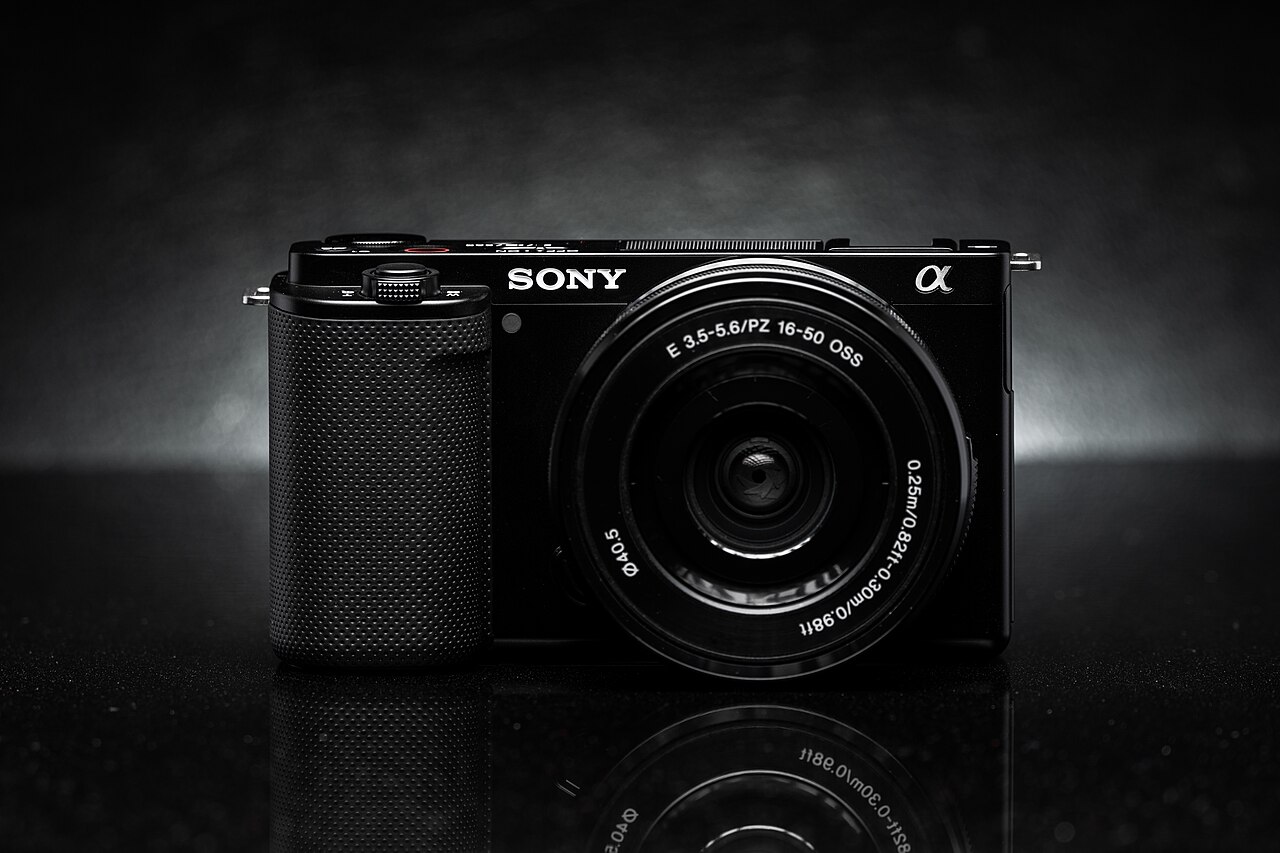
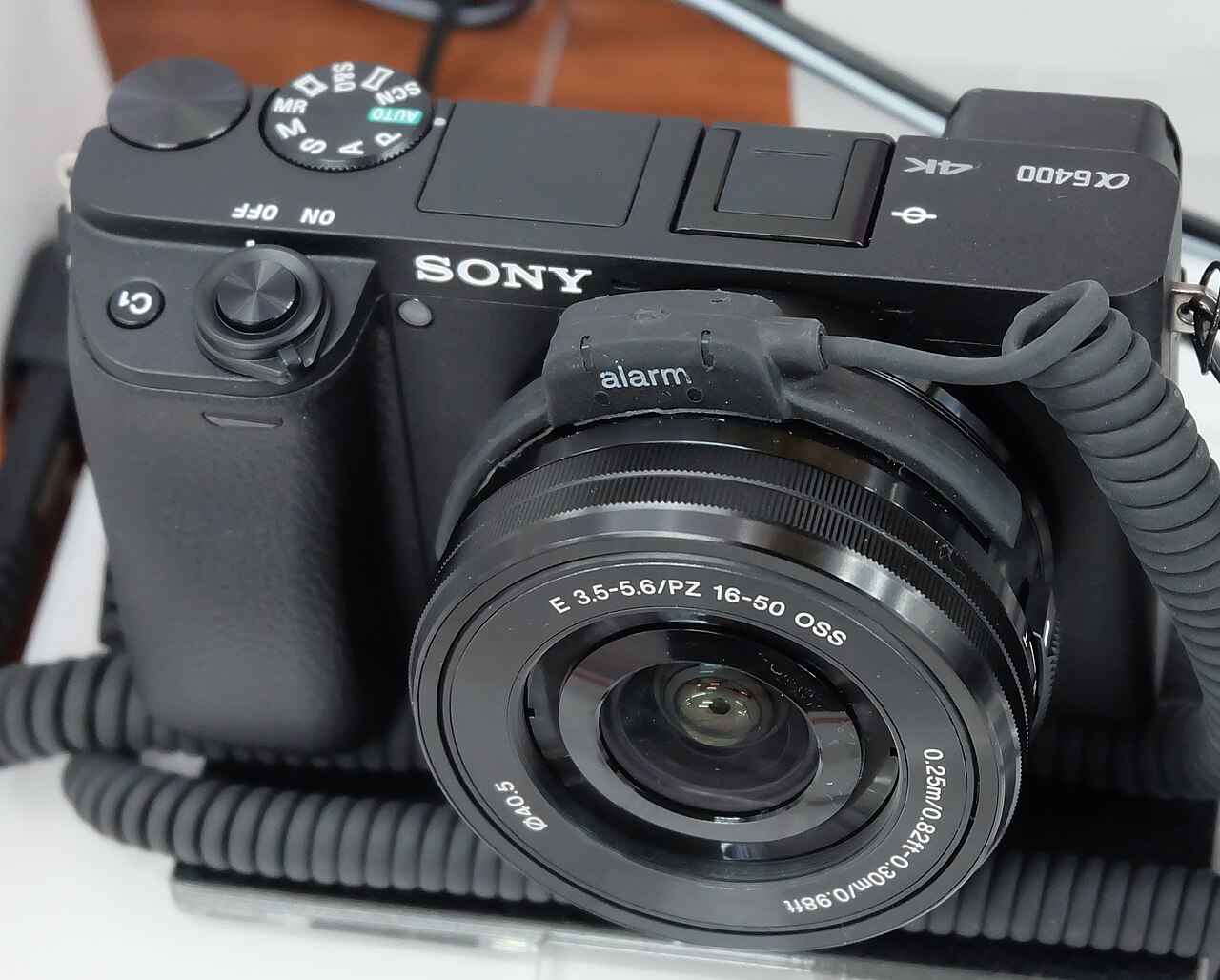
THE DIFFERENCES THAT MATTER
Canon EOS R50 vs R10: smaller kit or more action-shooting room?
Both list 24.2 MP APS-C sensors and share a lens mount. Compare shutter modes, kit weight, and the photography you want to do.
Researched from manufacturer sources. These products have not been hands-on tested for this article.
START HERE
Will a higher burst ceiling help the subjects you photograph often?
The R10 is not a resolution upgrade over R50 on the headline specifications. Both list approximately 24.2 megapixels and use Canon’s RF mount. I would choose between them around the way you shoot, especially moving subjects, and the size of the complete lens-and-body kit. This comparison uses the regular EOS R50, not the separate R50 V.
Canon EOS R50 (black body)
A good fit if: A shortlist option for a compact Canon kit or self-filming with a side-hinged screen.
The tradeoff: Its maximum electronic burst figure is not a mechanical-shutter performance claim.
Canon EOS R10
A good fit if: A shortlist option when the higher published mechanical burst ceiling addresses a real action-photography need.
The tradeoff: It adds body size and weight over R50 without adding headline megapixels.
As an Amazon Associate I earn from qualifying purchases. How shopping links work.
EOS R50
View this model on Amazon : Canon EOS R50 (black body) (opens in a new tab)Check the seller, exact variant, price and included accessories.EOS R10
View this model on Amazon : Canon EOS R10 (opens in a new tab)Check the seller, exact variant, price and included accessories.See the product photos and comparison illustration
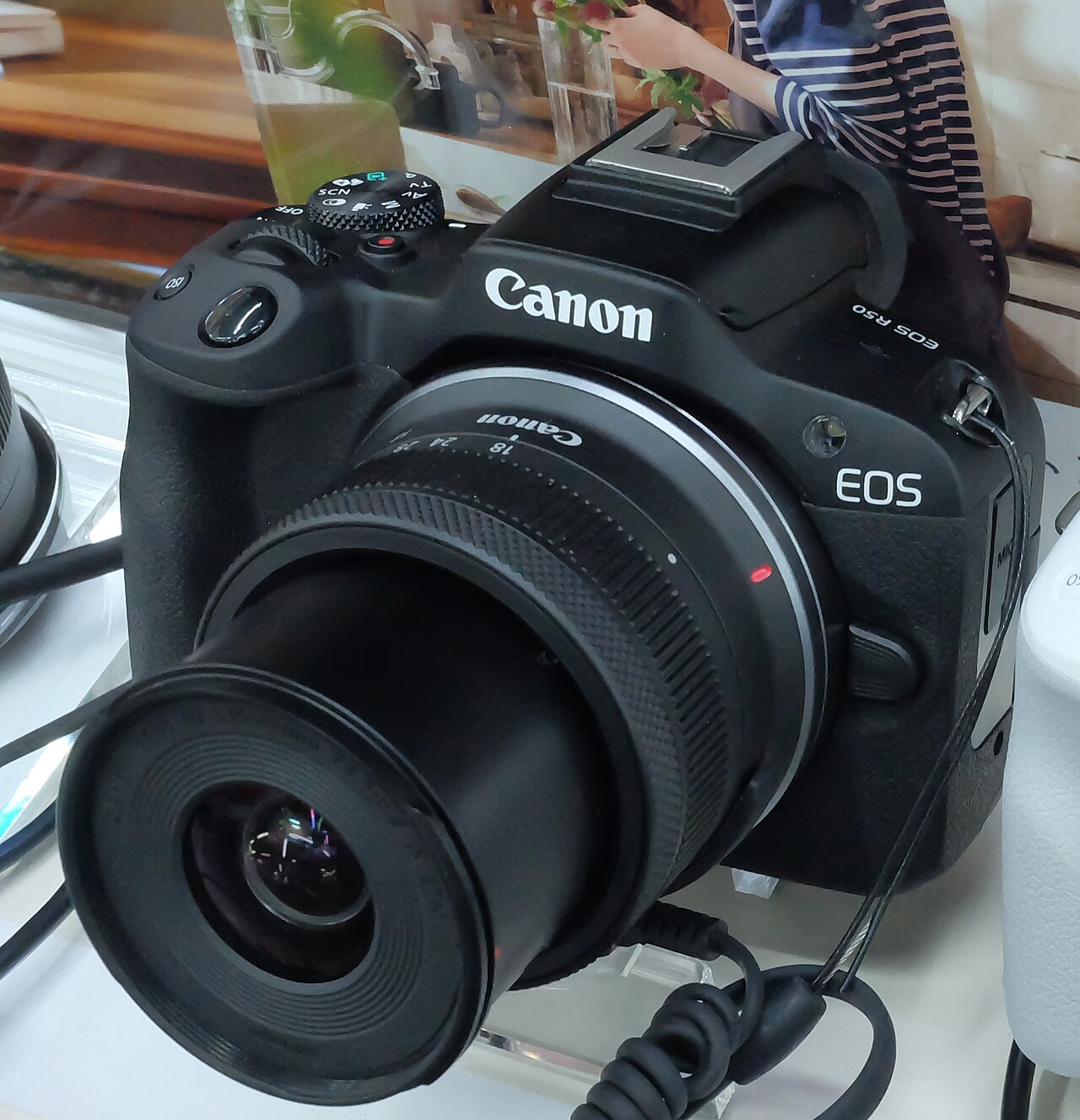
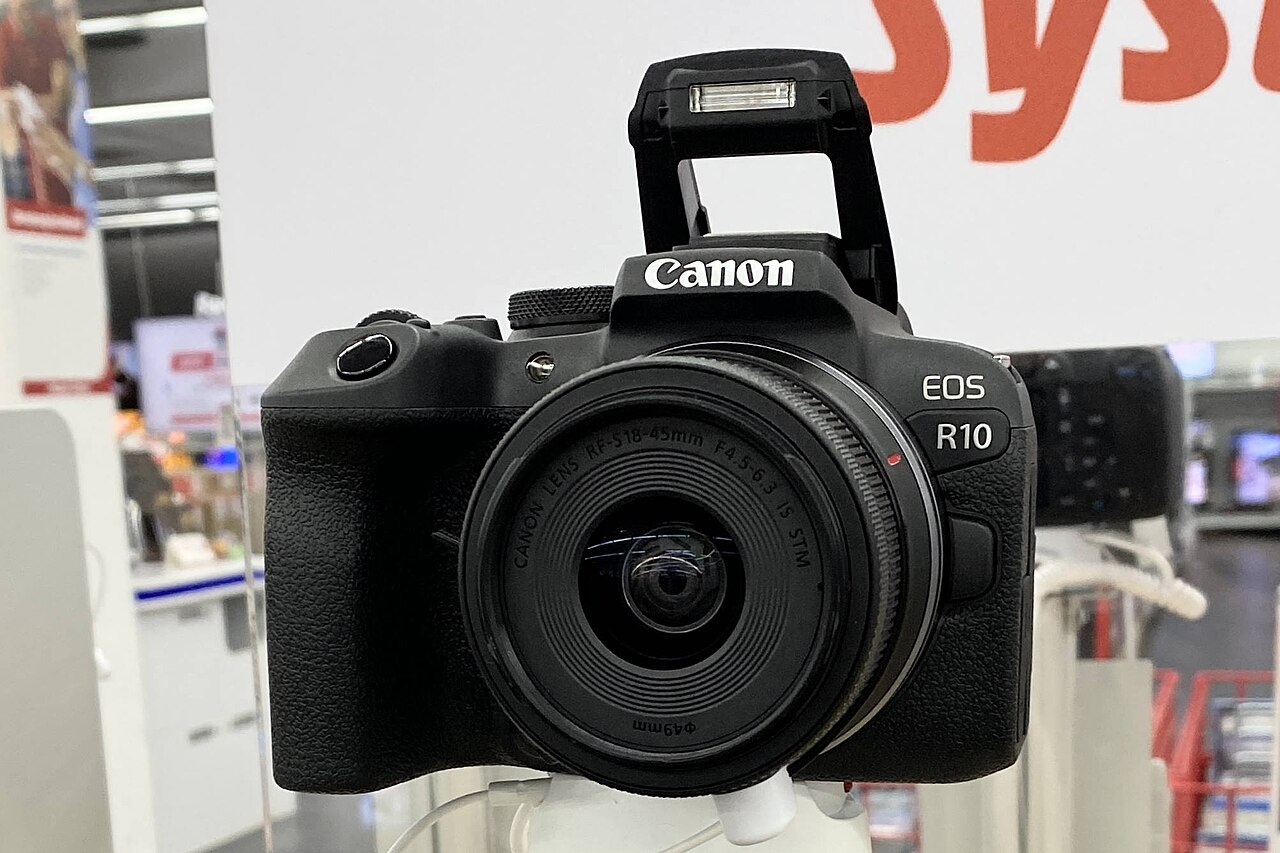
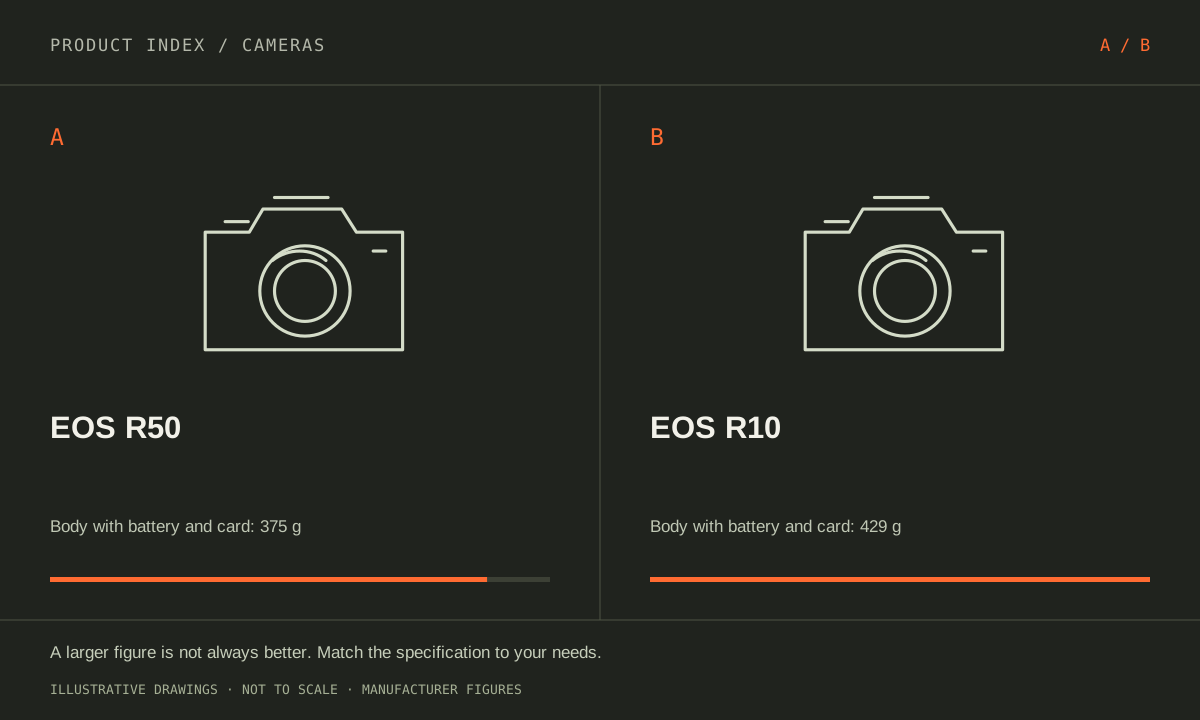
The facts, side by side.
Manufacturer specifications for the named models. On small screens, scroll the table sideways. A blank research field means the fact was not included here, not that the manufacturer does not publish it. Conditions and differently scoped specifications are kept separate.
| What matters | EOS R50 [1] | EOS R10 [2] |
|---|---|---|
| Effective resolution | Approximately 24.2 megapixels | Approximately 24.2 megapixels |
| Sensor format | APS-C | APS-C |
| Lens mount | Canon RF; native RF and RF-S lenses | Canon RF; native RF and RF-S lenses |
| Continuous stills claim | Up to 12 fps electronic first-curtain; 15 fps electronic | Up to 15 fps mechanical/first-curtain; 23 fps electronic |
| Screen | 3-inch vari-angle touchscreen | 3-inch touchscreen |
| Weight with battery/card | Approximately 375 g (black body) | Approximately 429 g |
| Dimensions (body) | 116.3 × 85.5 × 68.8 mm | 122.5 × 87.8 × 83.4 mm |
Listed maximums are manufacturer claims under their stated conditions, not results from our own testing. Regional versions and bundles can differ. No live prices or stock claims are shown.
Read the shutter mode beside the burst number
Canon lists up to 12 fps with electronic first-curtain and 15 fps electronically for R50. For R10, it lists up to 15 fps mechanically or with first-curtain, and 23 fps electronically. The largest number in each listing therefore is not describing the same thing as a mechanical-shutter specification. Keep the mode attached when deciding whether an upgrade addresses your needs.
For sports, pets in motion, or a short expression, more frames can offer additional moments to choose from. It does not guarantee focus accuracy, eliminate motion distortion, or make an unsuitable shutter speed work. Ask how often you miss a moment because the camera cannot offer enough timing choices, versus because of technique, lens choice, or light. A burst-oriented buyer should read the mode conditions, supported lenses, file type, and buffer details in the manual. The useful benefit is a shooting option you can apply, not just a bigger specification on the box.
Compare the whole kit before assigning value to body size
R50 in black lists about 375 g including battery and card; R10 lists about 429 g on that basis. R10 is also deeper in the listed body dimensions. The smaller R50 is worth investigating for a kit you intend to carry frequently, while the larger R10 deserves a handling trial with the lens you expect to use.
A compact body does not ensure a compact bag once a long lens, spare battery, microphone, or support is added. Make a short lens list and total the items you will actually carry. Hold each body with a representative lens and check whether your fingers, controls, and screen movement work comfortably. Someone carrying a camera daily may place more value on a bag that closes easily than on a burst feature used once a year. Someone following action with a larger lens may arrive at a different balance after handling the kit.
A shared mount makes this a body-choice decision
Both use Canon RF and RF-S lenses natively. Their shared mount and equal headline effective resolution mean it is sensible to compare the complete purchase, including the lens that solves your actual subject and distance requirements. Do not infer identical image quality from megapixels, but do not assume that the higher body tier automatically adds more resolution either.
For a first camera, write three recurring subjects before browsing bundles: an indoor person, a distant activity, or an object on a desk, for example. Check which focal lengths, working distances, and light levels those subjects imply. Then compare the body features left over after the lens budget is realistic. I would shortlist R50 when compact carrying and ordinary photo-and-video use are the priority. I would shortlist R10 when its higher published burst options respond to recurring action needs. Neither choice removes the need to understand exposure, manage files, and build a lens kit suited to the work.
A CLOSER LOOK AT OWNERSHIP
Beyond the specification sheet.
Additional model-specific document research checked October 20, 2026. The original comparison’s specification check date remains shown above.
An old Canon lens collection needs a mount audit
Both camera manuals permit EF and EF-S lenses with the optional Mount Adapter EF-EOS R, and both explicitly exclude EF-M lenses. That distinction matters if you are moving from an EOS M camera: the familiar Canon name does not make an EF-M lens part of an R50 or R10 kit.
Write down your existing lens models before comparing body prices. For an EF/EF-S owner, include the adapter in the budget; for an EF-M owner, compare the cost of a replacement lens plan. A modest body-price saving can be outweighed by the lenses needed for the subjects you actually photograph.
Sources: Canon EOS R50 EF/EF-S lens compatibility (opens in a new tab) · Canon EOS R10 EF/EF-S lens compatibility (opens in a new tab)
A long interview has different limits from a short clip
Canon’s movie guides set ordinary per-recording limits at one hour for R50 and two hours for R10. High Frame Rate recording has shorter limits: 15 minutes and 30 minutes respectively. These are stop limits, not a guarantee that heat, battery or card capacity will let a take run that long.
Both guides warn about temperature during movie work, and digital movie stabilization further crops the image. For a fixed interview, allow room in the frame and test the exact mode and power setup before the event. R10 offers a longer documented take ceiling, but this is not evidence of unlimited or heat-free recording.
Sources: Canon EOS R50 movie recording limits (opens in a new tab) · Canon EOS R10 movie recording limits (opens in a new tab)
Card speed and file settings belong in the camera budget
The R50 uses a single UHS-I card slot; R10’s single slot supports UHS-II. Canon specifies card performance by recording mode rather than by capacity alone. For example, the R50 table requires UHS Speed Class 3 or better for its standard 4K recording, while some lower-bitrate modes have different requirements.
Burst depth is another reason the card matters. In Canon’s specified high-speed-plus RAW tests, R50 is rated for seven RAW frames at 12 fps with electronic first-curtain shutter. R10 is rated for 21 RAW frames with UHS-I or 29 with UHS-II at 15 fps in mechanical/electronic first-curtain mode. These are manufacturer test conditions, not our sports results; format, settings and conditions change the burst. Neither single slot makes a simultaneous second in-camera backup.
Sources: Canon EOS R50 manual specifications — cards and movie modes (opens in a new tab) · Canon EOS R10 manual specifications — cards and movie modes (opens in a new tab)
A USB-C plug is not proof of a compatible power setup
Canon’s supplemental guidance recommends its optional PD-E1 and warns that commercial power banks may not charge correctly. It distinguishes charging with the camera switched off from supplying power while it is on. For R50, it also notes that smartphone control can prevent charging even while the switch is off.
Budget a known-compatible charger, cable and spare battery around the intended use, then test that combination. A desk-streaming setup and a travel kit need different compromises. We have not verified arbitrary USB-C chargers or third-party batteries, and the presence of a matching connector is not a compatibility verdict.
Sources: Canon supplemental camera USB charging and power guidance (opens in a new tab)
THE REST OF THE BUYING DECISION
Think beyond the upgrade.
A camera purchase includes a lens system, a way to capture sound, a storage workflow, and equipment you must be willing to carry. Begin with the shots your current kit cannot reliably deliver. This guide uses official Canon documentation for concrete examples while keeping the decision process applicable across brands. Specifications do not substitute for our own image-quality, autofocus, or endurance testing, which we do not claim here.
The cameras field guide covers the broader ownership questions, with source-specific examples. It complements this exact-model comparison; its examples do not establish features or policies for every model here.
MAKE IT YOUR DECISION
Your before-you-buy checklist.
Use this as a final check, alongside the model-specific evidence above.
Check off the questions you have resolved. Nothing is sent to a server.
Before you place the order.
- Match the full model name and generation. A similarly named bundle may have different accessories.
- Confirm the total price, seller, warranty eligibility, delivery estimate, and return terms at checkout.
- Account for any accessories or compatible equipment your setup needs. An upgrade only has value if you will use it.
Your product questions, answered.
Does R10 have more megapixels than R50?
Both list approximately 24.2 effective megapixels. The decision should turn on other body features and the lens setup, rather than assuming a resolution upgrade.
Does 23 fps mean R10 always shoots at that speed?
No. It is an electronic-shutter maximum under specified conditions. Shooting mode, lens, settings, power, and other conditions can limit the available speed.
Can I reuse EOS M lenses on R50 or R10 with the EF-EOS R adapter?
No. Canon explicitly excludes EF-M lenses. That adapter is for EF and EF-S lenses, so an EOS M owner should budget a separate lens plan.
Sources: Canon EOS R50 EF/EF-S lens compatibility (opens in a new tab) · Canon EOS R10 EF/EF-S lens compatibility (opens in a new tab)
Will the R10 record a two-hour event without stopping?
Two hours is the ordinary per-recording ceiling, not a guaranteed continuous runtime. Heat, power, card space and chosen settings can end a take earlier; test the actual setup.
Sources: Canon EOS R10 movie recording limits (opens in a new tab)
Will the headline burst speed continue for a whole action sequence?
Do not assume it. Canon lists seven RAW frames for R50 at its 12 fps electronic first-curtain setting, versus 21 or 29 RAW frames for R10 at 15 fps depending on UHS-I or UHS-II in its specified test. JPEG and other shutter modes have different figures. Match the duration and file format you need, not just the maximum frame rate.
Sources: Canon EOS R50 manual specifications — cards and movie modes (opens in a new tab) · Canon EOS R10 manual specifications — cards and movie modes (opens in a new tab)
Can I use any USB-C power bank?
Canon does not guarantee that. Its guidance recommends a compatible USB power adapter and separates charging from powering the camera. Check the camera-specific instructions and test the exact bank and cable.
Sources: Canon supplemental camera USB charging and power guidance (opens in a new tab)
Sources & limitations.
Original comparison research: October 18, 2026. Individual product-source checks and ownership additions carry their own dates. These links identify the manufacturer evidence used for the specifications. Recommendations and practical implications are our editorial judgments. We have not measured performance, reliability, comfort, or long-term ownership for this comparison.
- Canon EOS R50 (black body) — manufacturer specifications (opens in a new tab)
Checked October 18, 2026. - Canon EOS R10 — manufacturer specifications (opens in a new tab)
Checked October 18, 2026.
Confirm current specifications for your region and exact bundle. Read our research and correction approach.